Ok, I have successfully installed the Gsnap plugin. Trying to use it to correct notes that I sing imperfectly. For example, if I was supposed to sing a C, but accidentally sang slightly sharp of a C, I need to bring just that one note down. Tutorials tell me to click “Select a Scale”. That button isn’t on my version. So, please, how do I correct a single note? Tnx.
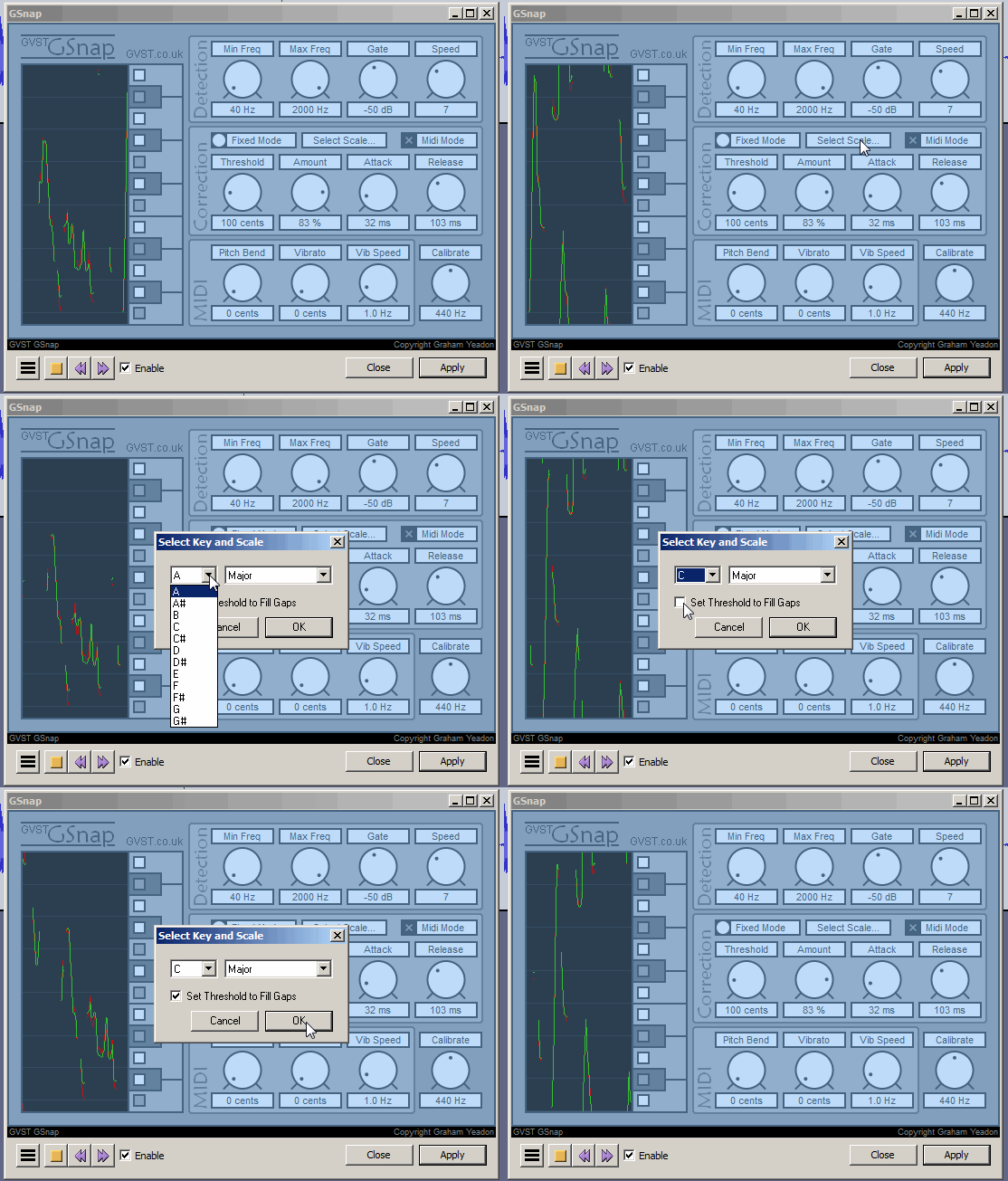
As with Grallion2, G-Snap autotunes any/all notes which are off-key, not just one individual note.
My control panel doesn’t have that button.
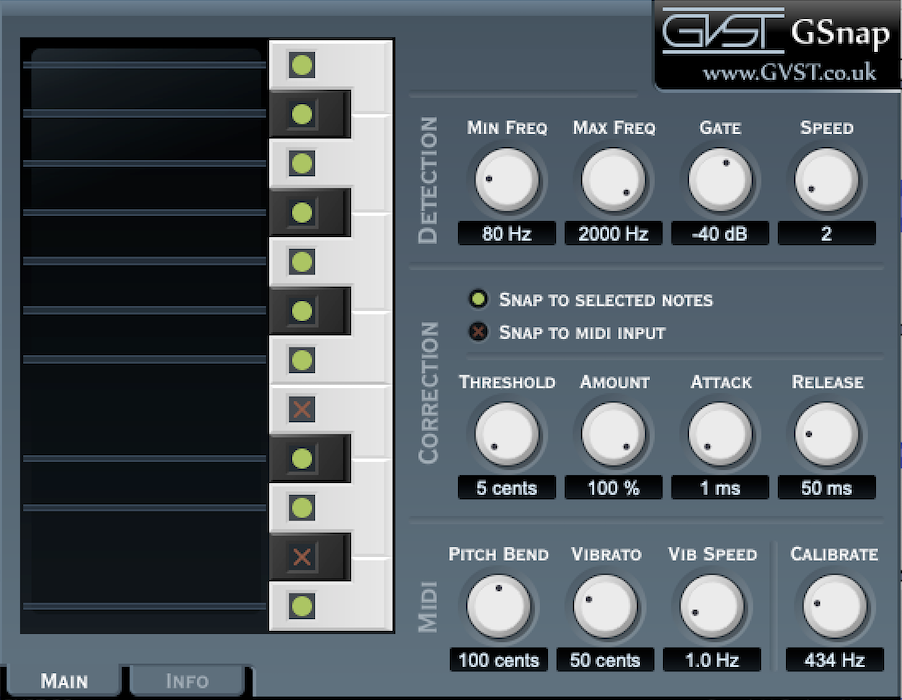
but it does have an option to “Snap to selected notes”. My guess is that you select the keys on the left of the interface for whatever key you want. (White notes for C Major).
Ok. Makes sense. Do you have to select the parts of the song–the waveform–that you want edited? Or does it automatically correct the whole song?
Whole song, (vocal track only).
Ok…after much monkeying with this, I cannot see that it corrects notes. It makes my voice sound strange and diminishes the quality.
I use Melodyne as a parallel platform: export a track (vocal, guitar, etc) from Audacity as WAV, import/edit/export as WAV from Melodyne, import in Audacity
it’s not nice but it works 
ciao
ilpelle
Ok, thanks. Simple enough. I am about to order the Melodyne trial run.
please note that Melodyne does NOT work as plug-in in Audacy, even if you can load Melodyne as plug-in (dll): there is some SW interface missing, and it’s a pity…
ciao
ilpelle