Hello everyone,
I’m using Audacity 3.7.8.
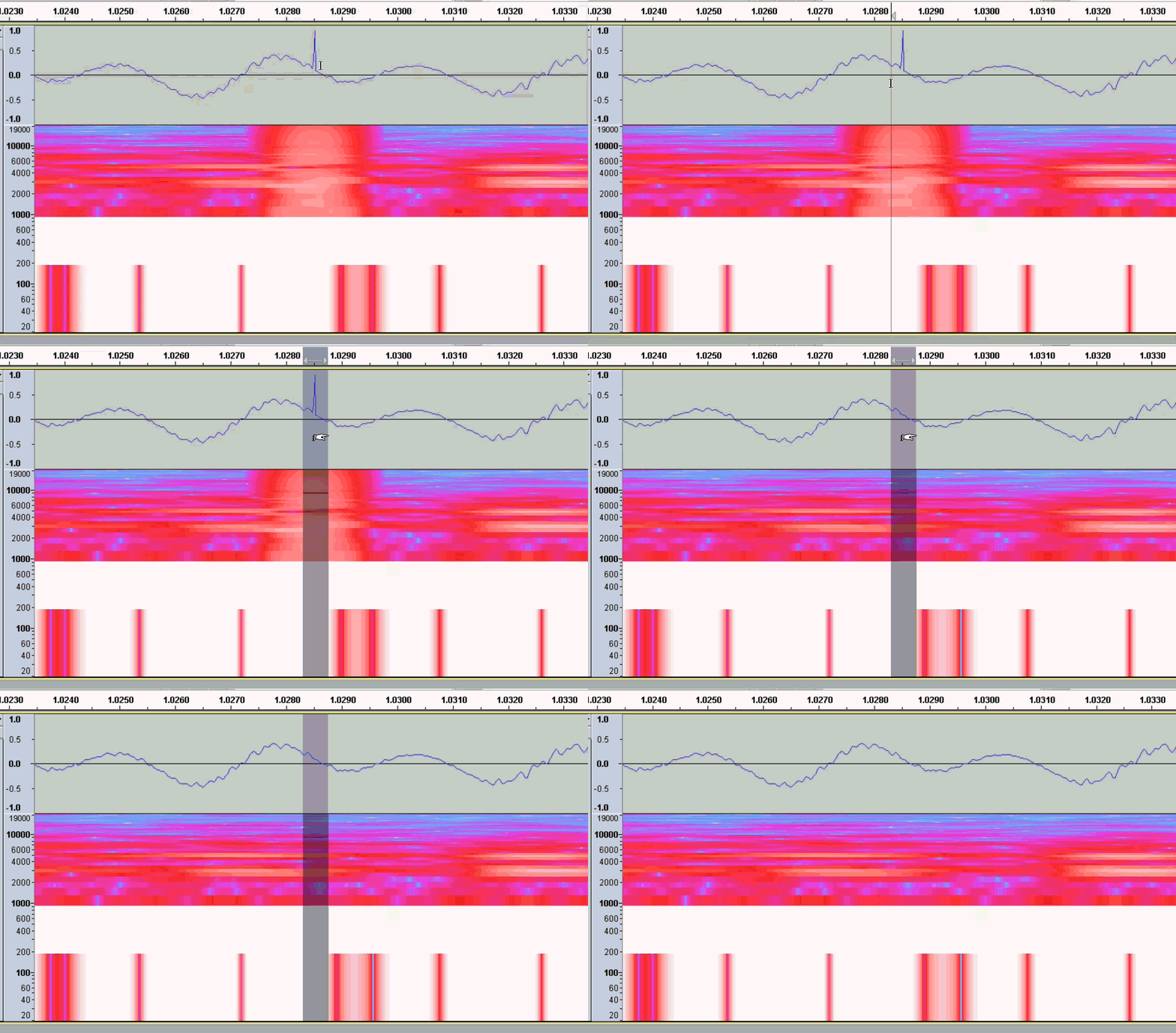
I’ve been using Audacity for years and I’ve recently come across this anomoly I’ve never noticed before. As I’m doing my voice recording, should I make an error, I back up to the begining of the phrase where the error is and delete that segment, then re-record and continue. What I am noticing is that at that point where the new segment was recorded, I hear and audible “tick” sound.
As I always do when I complete the chapter I am recording, I apply some noise reduction to the entire chapter, usually 3 times to really clean the area where there isn’t any talking. This proceedure will not remove those little “Tick” noises that I am hearing and so far, all I can do is delete that space where the “tick” sound happens. This can get tremendously tedious and time consuming when I have a very long chapter to record. Of course the obvious solution is to NOT make errors while narrating, but that’s a subject for another day.
If you know how to avoid the “Tick” sounds, prevent them or another solution, please let me know.
Greatly appreciated.
Ted