I can’t even open Audacity. The “Disk Full” message just pops up. This has happened before but I can’t remember the solution. Running Mac OS Monterey version 12.7.6. Thanks in advance for your help.
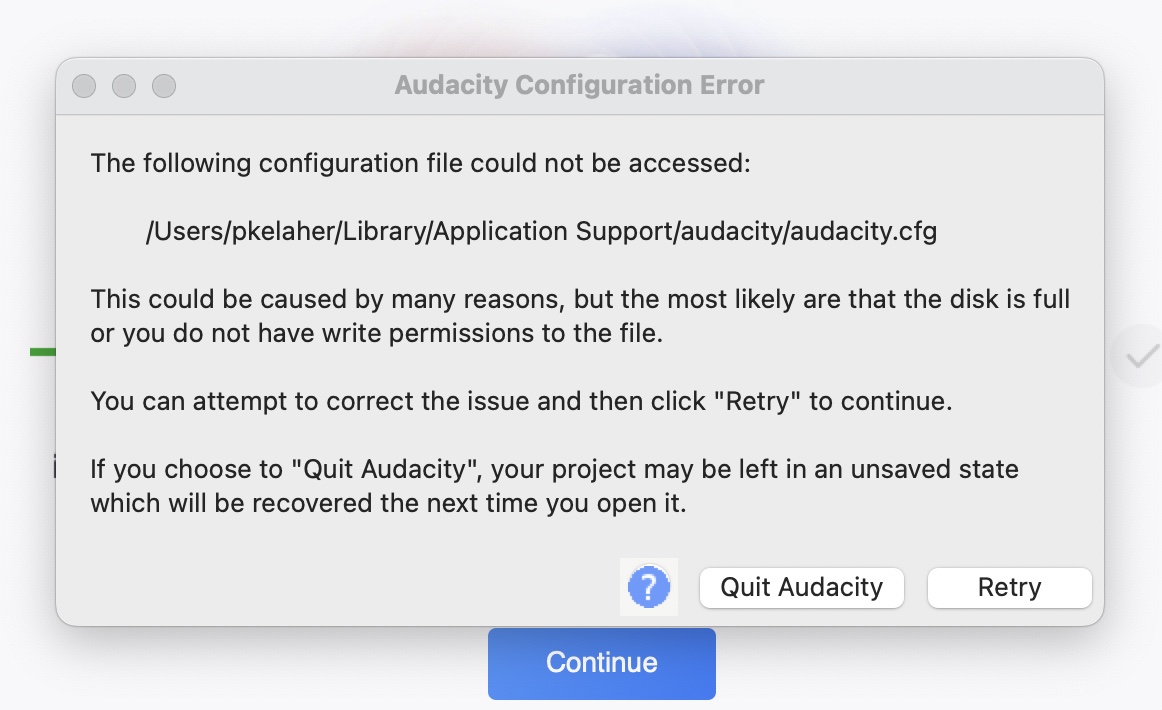
It does not say “the disk is full”. It says that it is possibly full, or that you may not have write permissions to the file.
How much space is free on your startup drive?
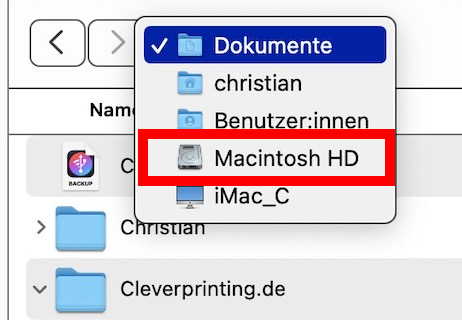
What do you mean by “can’t locate the disk”? The users directory is usually on your startup drive (most probably called “Macintosh HD”). If it does not appear in a Finder window or on your desktop, you may go to your documents folder and then go “upwards” by clicking in the title of the finder window while pressing the “command” key and then “go 3 levels up” (= down in the display).
Thanks romontschun! The Disk was indeed full. Given it a good cleanout. Cheers, Peter
This topic was automatically closed after 30 days. New replies are no longer allowed.