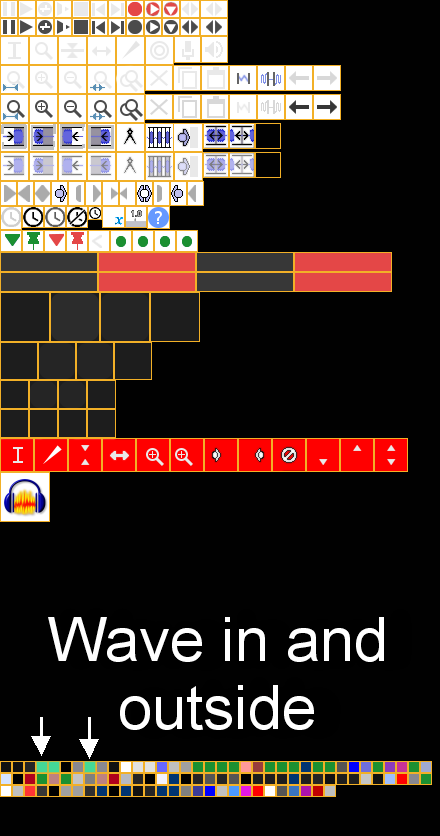
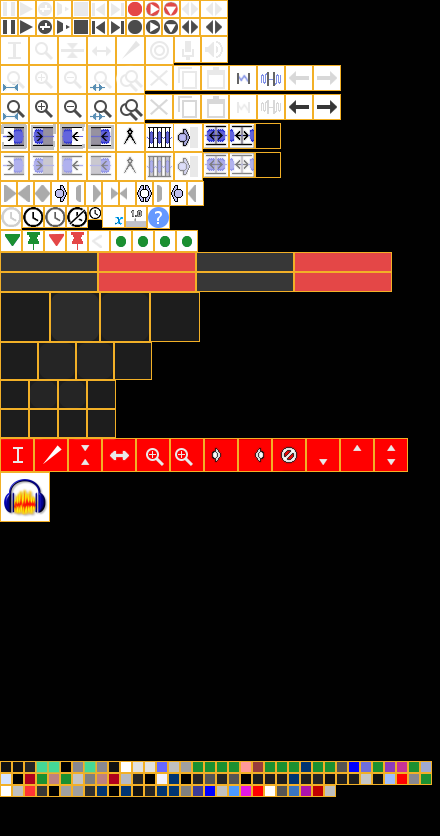
I’ve loaded a dark theme, which is much better to my eyes.
However, the wave form is a high contrast nasty green.
The green is nearly alright, but the colour and contrast is to much.
Is there a way to change that colour-code?
I tried to rework the images you’ll find as the ImageCache.png, but the colour of that wave didn’t change, or at least I couldn’t find which one is represented.
All resulted in some buttons changed. Not the whole make up of the theme.
The default waveform colours are on the top row, squares 4 to 10, but I don’t know if these are still used now that Audacity provides a choice of waveform colours.
Thanks for your reply.
Indeed it’s in the colour menu down in the ImageCache.png
Two examples, Dark theme, The is in the same colour now as in Adobe Audition.
By trial and error multiple times, I found the wave, because there is no indication where it relates to.
It’s possible to colour the wave and the maximum top of the wave different.
With a photoshop program or any Photo editor select one of these small boxes entirely and change colours. (see examples)
Beware to copy and safe the original one or change that name.
It’s all to be found in the hidden files User/AppData/Roaming/Audicity/Themes/ImageCache.png
When possible, please upload images to the forum rather than linking to external file sharing sites. It is more convenient (and safer) for others on the forum if they can see the images without having to go to another website.
See here for how to upload an image in a forum post: https://forum.audacityteam.org/t/how-to-attach-files-to-forum-posts/24026/1
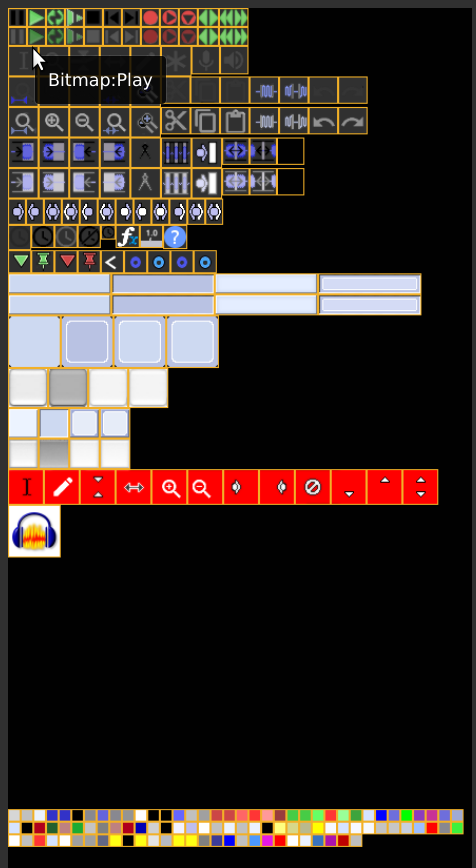
If you open the ImageCache.html file (see my previous post), there are tips when you hover your mouse pointer over the image, like this:
Thanks for your reply. Usually you can’t upload images in the first two posts or so.
So I dropped the direct link. Didn’t see any upload button yet. Sorry about that.
It’s not clear where I could find that “clickable” HTML file?
So selecting an image and adding the colour is not possible?
I found the HTML basic ImageCache.png.
The ZIP file contains an HTML file and a PNG file. Open the HTML file with your web browser.
The file is not “clickable”, but it has “on hover” text that appears when you position your mouse over the image.
I don’t recall who made that HTML file, I think it was a contribution many years ago. It may not be 100% accurate, but I think it is still helpful.
No problem. It was just a hint from me - I’d not noticed that you were brand new to this forum.
The forum software will give you a few more features soon.
Thanks again Steve, I found it and indeed hovering did the trick.
Quite happy now with the new look, much more at ease.
I get sometimes Migraine by high contrast or flashes of bright light.
So dark themes are always my favourite.
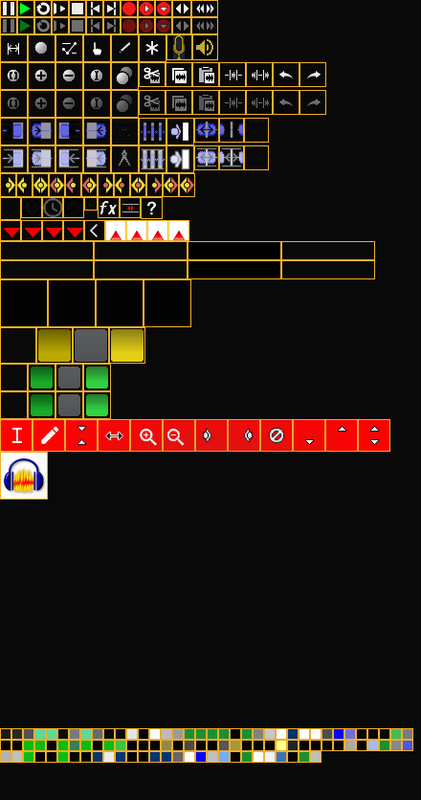
Would it be possible to view the ImageCache.png for the Dark Audicity template*? The one with the brown orange colours?
Can’t find it.
*I mean the same selectable image like the standard original blue one.
Doesn’t matter Steve, I just like to edit that theme a bit in a Theme Cache image.
I’d like to change the colours of the waveform.
It’s to difficult to alter the standard Cache image into that theme.
The dark (brown) theme of Audicity also contains other types of buttons.
Haven’t enough knowledge of software programming or editing to break down the whole file.