I can’t highlight the section of audio I want to delete. This is a new problem. When I move the cursor to a spot, a portion of a track highlights itself on its own. This issue is extremely annoying. This has been going on since the latest update. Any ideas?? Thank you.
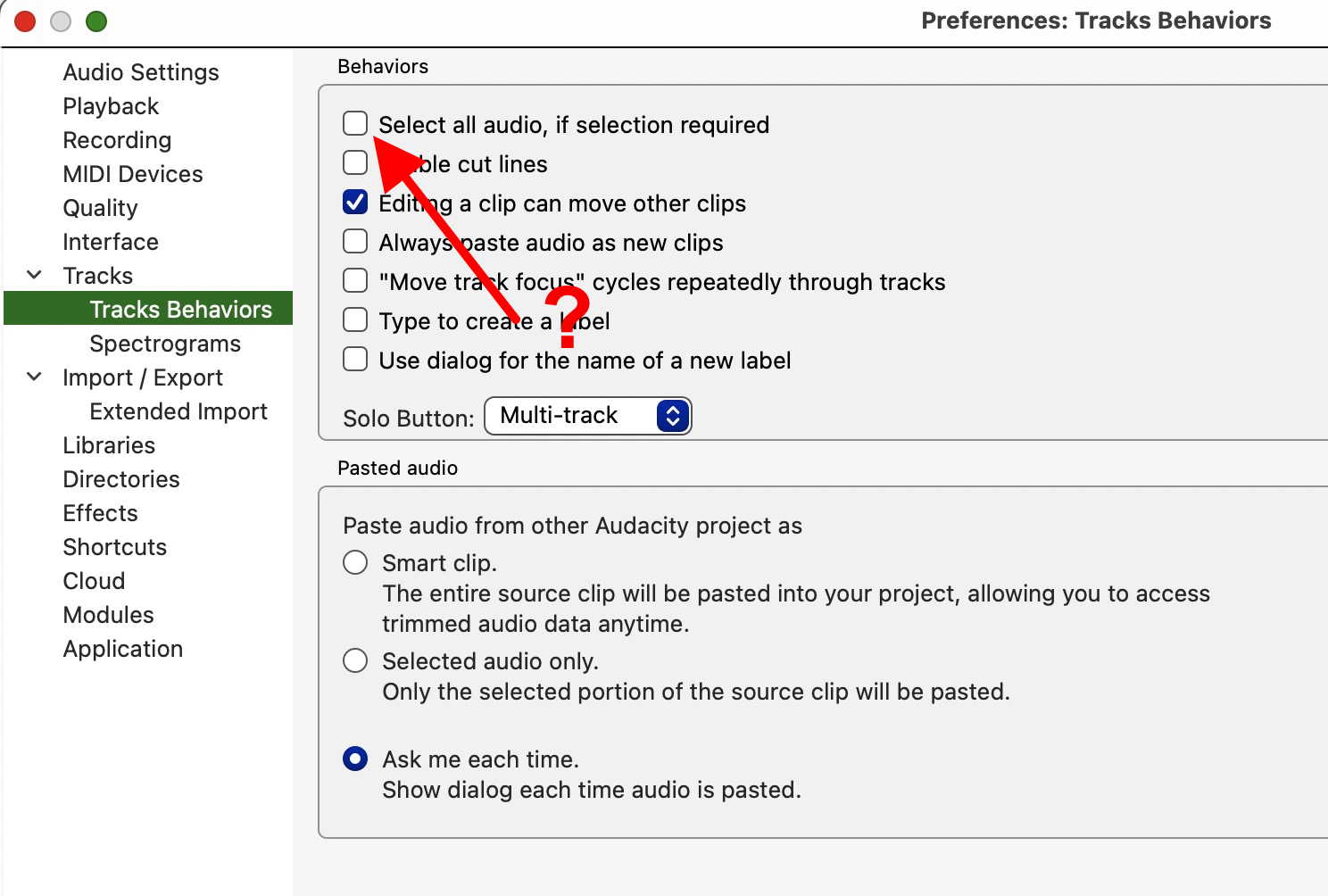
What version of Audacity are you using? This is a known issue with version 3.7.6 and was fixed with 3.7.7.
I’m using 3.7.6. I checked for updates but I get an error that I can’t connect to the Audacity server.
Try to use another mouse. Mandatory disconnect old mouse
Click this link to get the latest release.
And I would not use this link,
Audacity installer (recommended) via Muse Hub
As it might install other software and / or want you to subscribe.
Same issue this morning and for the first time. I tried using a new mouse, closing out the project, restarting Audacity. Its frustrating and unusual
Did restarting Audacity correct the problem?
Use logic. Behavior does not depend on the software version. The behavior is such that the mouse works by itself. The problem is in the mouse
It is interesting you chose insulting language to talk to another human. I imagine that’s lonely. I fixed the issue. It wasn’t the mouse, but the program. Thanks though, mirroring back the logic comment to you and wishing you love from others. I hope things improve for you, genuinely.
The snap button on the program at the bottom of the window (bottom left) needs to be de-selected. That’s what worked for me. I couldn’t find that discussed well in other forums. I hope that helps things for you and that you and I manage to dodge unnecessarily critical and lonely humans as we navigate the comments
Fixed with downloading and installing 3.3.3. Thank you!!