I try to save it to my computer in different sections (decktop, music) and it acts like it is doing it but when I try to upload it to Facebook I can’t find it.
mp3 is not saved until after you’ve OK’d the metadata window.
How do I save the metadata window?
My mistake: the metadata window no longer pops up during export …
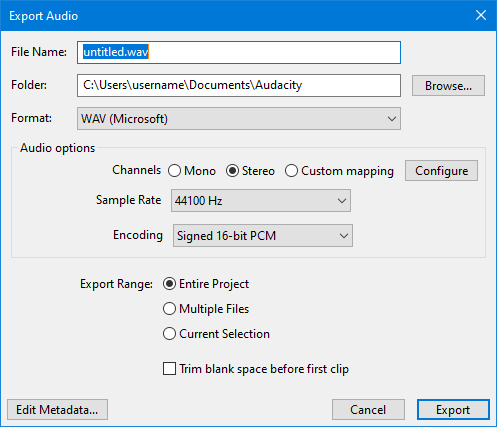
I got that figured out and it shows up on my Desktop but when I go to load it to Facebook it doesn’t show up. My facebook options don’t show up for music, only Word Documents or videos.
Facebook only accepts audio as a video. e.g. via an audio-visualizer.
Give the visualiser a WAV format file , rather than an mp3, for optimum quality.
Thank you. I’ll try that.
I converted it to WAV, saved to desktop and it still doesn’t s how up as an option when I try to post it it Facebook.
Facebook only accepts video format . Can use an audio visualiser to convert WAV to MP4 video …
