Yup, I made a really stupid mistake and I am definitely paying the price.
I am super desperate to get this audacity file back if it’s possible, I am tech-Savvy so I’ll go to far-end lengths to get this back. It was a 3 hour long audacity file/audio with a high quality mic so I’m worried there’s no way of getting it back since it’s largely sized.
Please somebody respond on ways I can restore this file. I am very desperate. I have spent the last 3 hours researching and trying failed attempts on getting it back.
So none of the data ever gets written ever on the Disk Drive instead of the cache? Because if any data got saved on the Main Disk Drive then it would be possible to use 3rd party software to recover the lost files. I also used audacity 3.3.2.
When you do an edit, Audacity saves your Whole Show. If you need to Edit > UNDO, it just loads the last show. It doesn’t try to figure out which effects you used. It does that repeatedly until it runs out.
That’s why Audacity isn’t a good editor for enormous productions. The instant it runs out of internal memory, it has to start stuffing files onto the hard drive and your editing speed turns to mud.
One restriction for UnDelete programs is they work best if you make no changes or save any work after the work you want to rescue. Windows flags the last save as Available Space. And you’re right, what it really does is delete the filename and address. Not the data.
This also works best if you start out with a defragmented and perfectly clean and well-behaved hard drive.
So if you’re neat and tidy, you’re unlikely to need UnDelete in the first place.
Right, so what you’re saying is that some of the recording would have been lost on audacities volatile internal memory but since it stuffs files on the hard drive it has to be saveable somewhere on the PC therefore some of the data should be recoverable?
If that’s true, where exactly. (i.e what folder?) does Audacity stuff the files when it runs out of room on the volatile internal memory since it should be recoverable?
Have you ever used one of those UnDelete programs?
I have a library analogy.
Say the library gets a new book. There isn’t space for the whole book, so the library rips it into pieces and stores the pieces wherever they will fit—writing down the locations as they go.
When you want that book, the librarian hands you the location list. Have a happy day.
When the library deletes the book, the librarian and the list go home. The fragments are still there on the shelf…somewhere.
When the UnDelete programmes have scanned the full drive they are able to track the original location of any of the files that are displayed.
Do you know where Audacity generally stores the data for audio files for when they get too big for the internal memory? If you do know I’d love to know as it may be a huge helping hand!
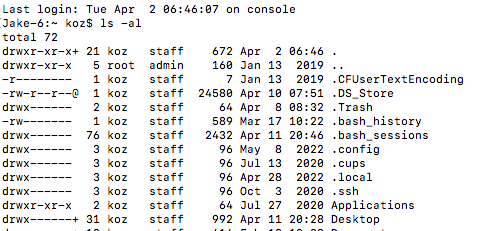
You see in the second line where it says koz$ ls -al
Koz$ is me and I typed list all the files where we are right now in the long format. After that is a partial list just for illustration. There isn’t much that hides from Terminal.
So of the three people you are playing: announcer/performer, recording engineer, and Producer, you now get to play Producer (upper case intentional). What are you going to do if the show doesn’t come back?
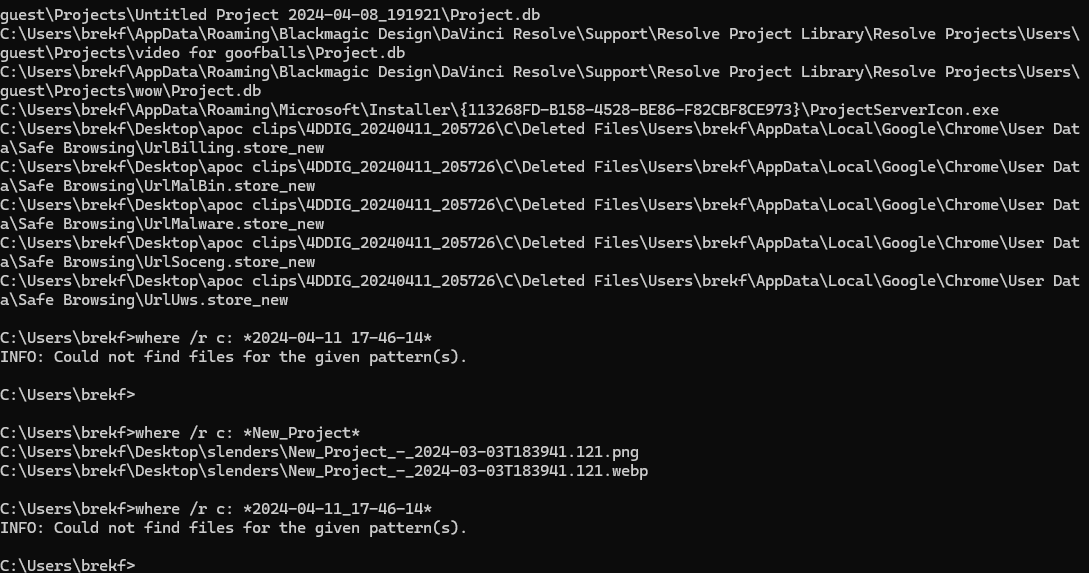
I opened the 512 byte New Project 2024-04-11 17-46-14 N-1.aup3unsaved-journal file in hopes that I would find any pointing details and I found this which is interesting.
Unfortunately, the chance of recovering the project is practically zero.
In Audacity 3.x, projects are SQLite database files with the file extension “.aup3”. For efficiency, the database uses a temporary file with the file extension “.wal”. The database file itself is updated periodically when changes are “committed”. On closing without saving, Audacity cleans out (deletes) the database and the temporary files.
Even if you successfully recover the database, it is very likely that it will be corrupt, and even if you manage to fix the corruption it is very likely that most of the audio data will be missing since it was never saved.
Personally I would bite the bullet, accept that it has gone forever, and start again.
If you want to try recovering and fixing (probably without success), there is a free tool called DB Browser for SQLite that allows you to look inside SQLite databases and fix some problems.