This could be a very simple solution or there may not be one. I have tried searching for it but I couldn’t find on in the instructional guides nor existing forum posts.
I edit quite long podcasts and I edit non-linearly so I make cuts in the main track that I know I’m going to slide open and put later stuff in there. Moving all the clips on the track is trickier said than done as sync lock only grabs the clips I’m on and pushes them up against the next clips on track.
I can CTRL+A to select everything, and then CTRL+LEFT CLICK to select everything after the click, which is great, works fine.
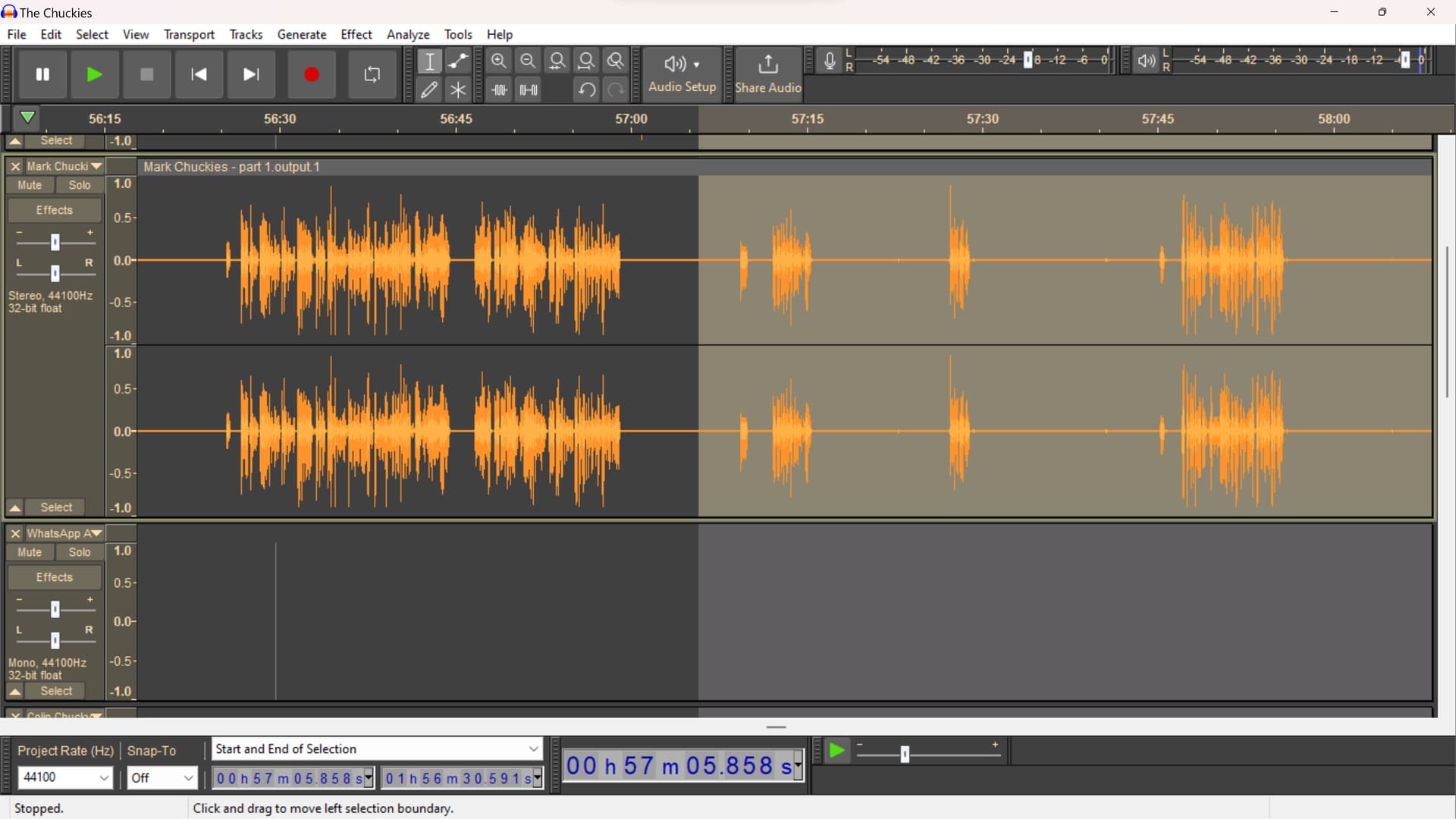
The problem arises when I get about midway through the whole edit, and then the little select hand turns around. Clicking now selects everything on the lefthand side ie the first half of the podcast ie the stuff that’s already done and doesn’t need moving.
Is there any alternative key combo for turning the hand back around? Once I’m midway my only current solution has been to zoom all the way out manually drag select the second half, and zoom all the way in to where I was and then I can move the second half. This is not hairpulling annoying, but it’s an extra step than what I was doing before.