iTunes? You are probably talking about Music.app. iTunes is no longer working on recent macOS versions.
File types? Just export your music (or whatever else you’re recording) in a file format, which is understood by Music.app. I think these are AAC, AIFF, MP3, WAV and Apple Lossless. You can also use Music.app to convert between these formats.
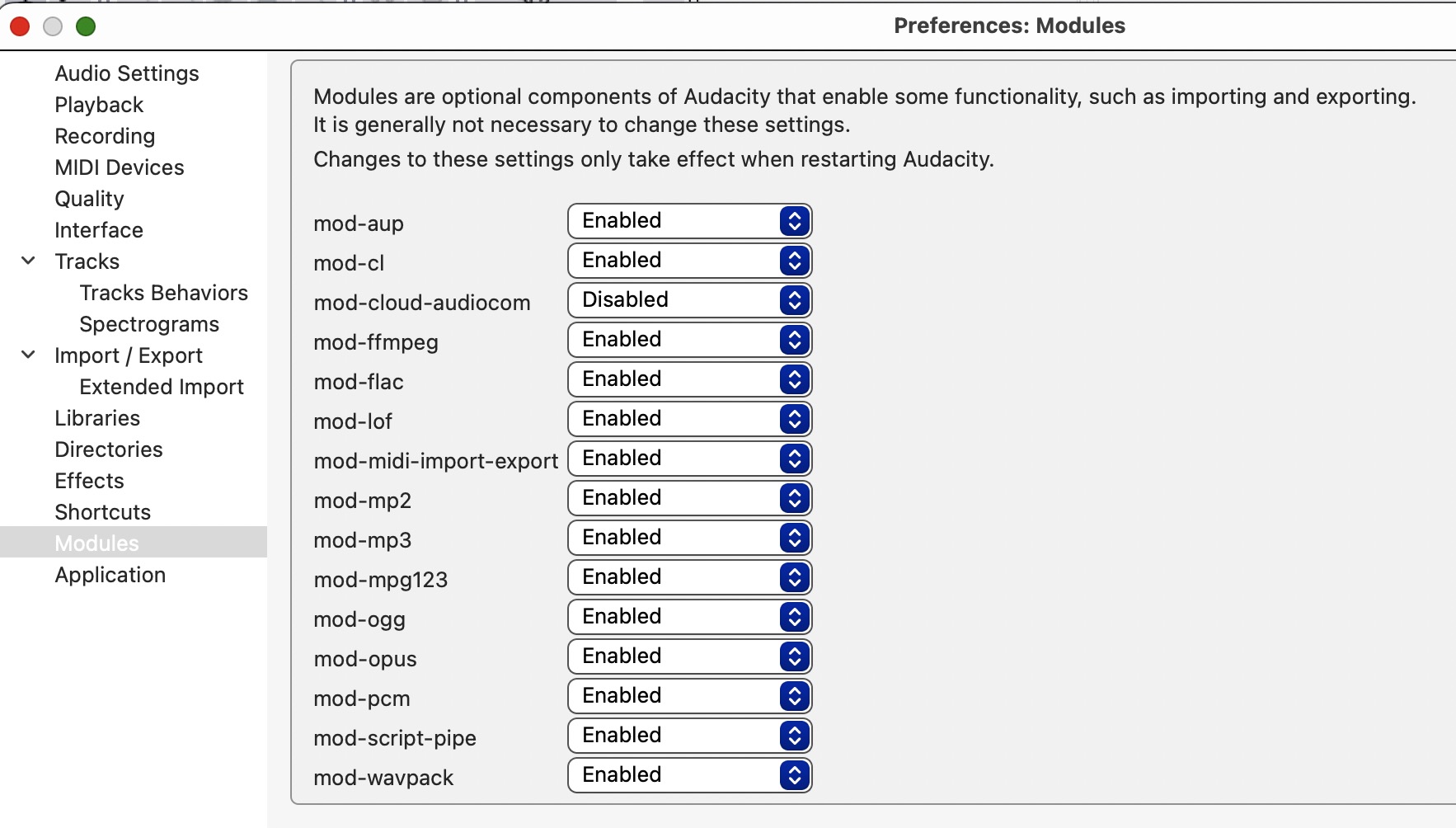
If you can’t export in a desired file type, make sure all the formats are enabled in Audacity’s “Settings → Modules”.
Sorry to bug you folks again. Recorded one side of album and am happy with it. Saved it, chose save as option. The only option that was allowed is the xxxxx.AUP3 of course it’s not recognized by apples Music app.
iTunes can play .mp3, .m4a, .wav, .aiff (and possibly others). However you must have a really old mac if you still have iTunes on it. Current Macs use Music.app (but the same applies there).
Just export your recording in one of these formats.
.aup3 is an “Audacity Project file”, not a sound file. It will not be recognized by any music application known to me. An .aup3 file is only worth keeping if you want to make changes (or undo changes you had made before).