Hi I have recieved a super usb cassette capture for Xmas . I’ve plugged it into the PC with software installed from the disc and I’ve go nothing at all can anyone help please TIA
Software “from the disc” is probably very old. Get a recent copy of Audacity (I recommend 3.6.4, not 3.7.x)
You need to grant Audacity access to “Microphone” in the security settings of Windows.
You need to select the USB connection as sound source in Audacity (if the USB connector on the device delivers sound output and is not only for charging it) .
I’ve gone into settings and the microphone toggle is on, I can’t see anywhere about usb microphone
In Audacity’s “Audio setup” menu, you’ll find something called “… USB …” as recording device (the name may vary according to your device, but it most certainly inclueds the term “USB”) if the device is attached and on before you start Audacity. If it does not appear, select “rescan audio devices”.
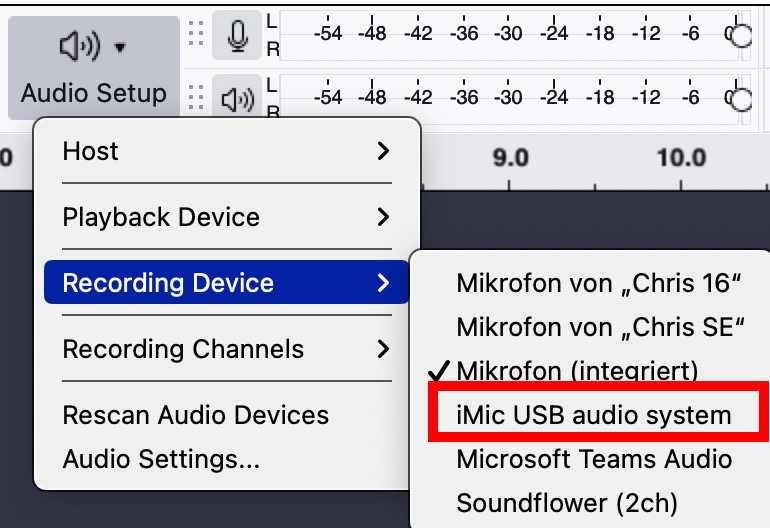
If windows doesn’t find it, It’s not going to work. The device could be defective, or the USB cable could be bad. I assume you know that your USB port is good.
I don’t think the player is USB powered, so make sure the batteries are installed.
Can you hear sound when you plug headphones into the cassette player? If that doesn’t work you know the thing is dead…
…These “cheap little” USB cassette players seem to be rather unreliable for a lot of people. 
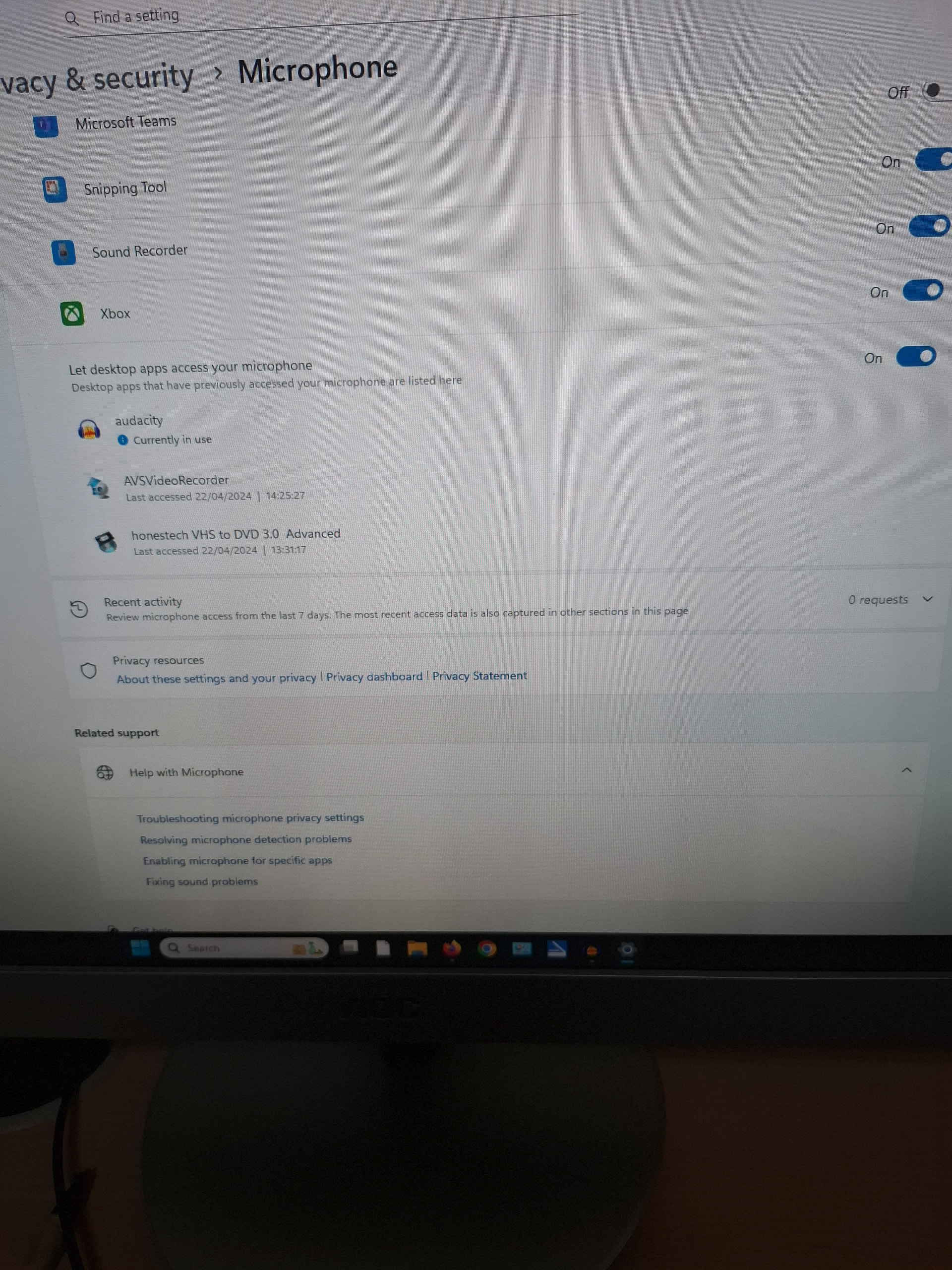
Look here about how to make screenshots in Windows.
Hi thanks for all your help but I haven’t got the patience so I’m going to send it back
Once again thanks
This topic was automatically closed after 30 days. New replies are no longer allowed.