I plan to record something using video for the first time. The camcorder has a sample rate of 48 kHz and I don’t think I can change it. I will also have three stereo field recorders I will need to synchronize with the video which I plan to set to 48 kHz as well. I usually have them set to record at 44.1 kHz. Ultimately, the audio podcast episode will be published at 44.1 kHz.
What kind of problems am I going to be faced with by doing this?
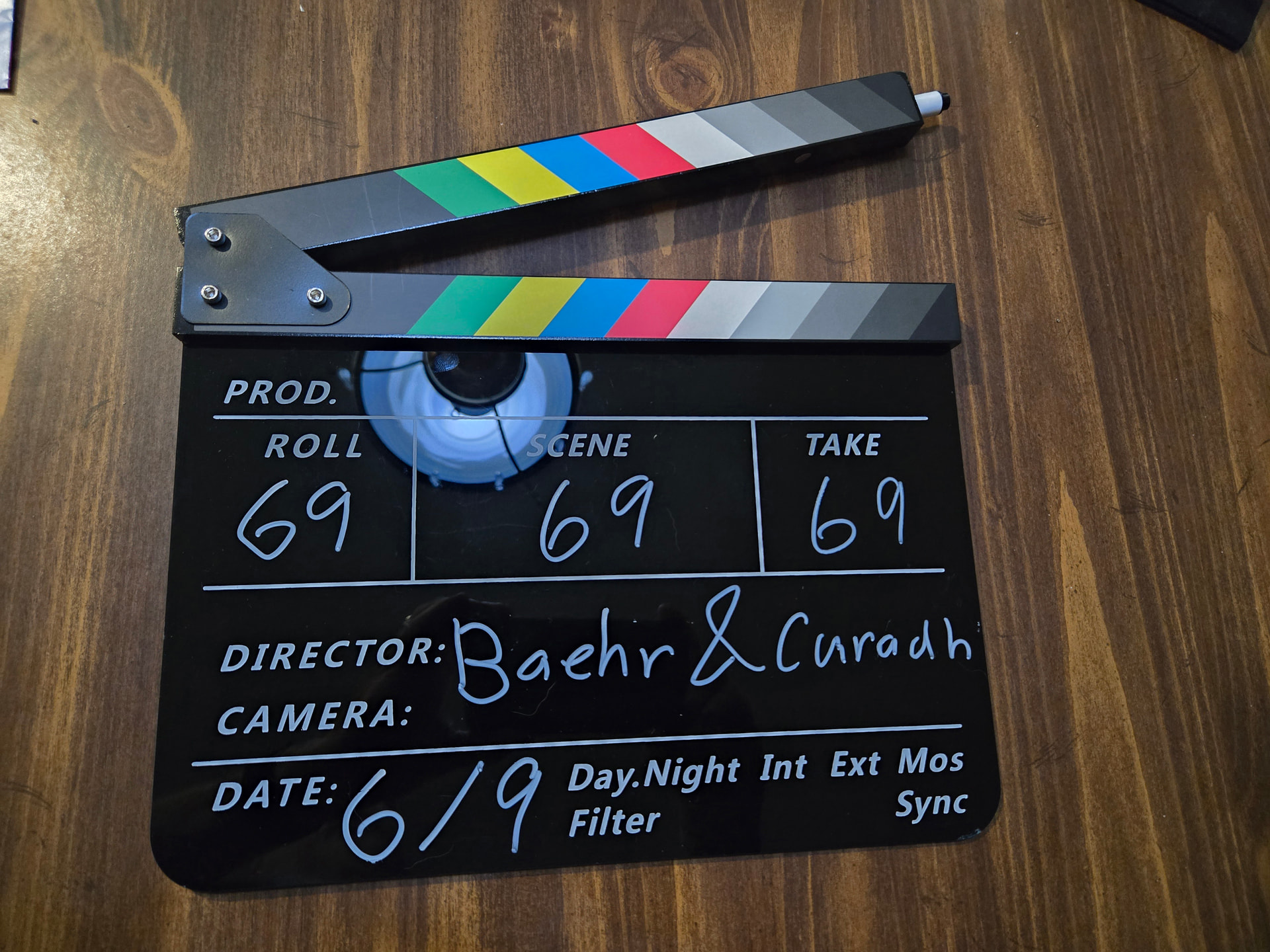
Clap your hands in view of the camera to simulate a clapperboard so you can sync everything at the start.
The clocks won’t match perfectly so after some period of time they will drift out of sync but that’s unlikely to cause a problem unless you have very long takes.
But small timing differences will cause “phasing” if you mix the audio from different sources, especially if they are mixed at equal volumes. For example if you were to record in stereo using different devices for left & right you’d likely get problems (and a hand-clap might not be precise enough to get them initially synchronized).
48kHz is pretty standard for A/V files and it’s probably best to record everything at the same sample rate. It’s just “good practice” to avoid “unnecessary” re-sampling. But mixing-and-matching or re-sampling isn’t really a problem as long as you stay above “CD quality”.
Ultimately, the audio podcast episode will be published at 44.1 kHz.
I have a good quality clapboard, but I don’t think I will use it at the seminar, just because it would look too pretentious. I have a “clicker” for animal training that I have been using in my tests to synchronize the audio. The camcorder has a pretty good shotgun microphone that picks up the clicker, so the audio of the video track has something to synchronize with the audio from the field recorders. DaVinci Resolve has a very good function to align audio tracks, which is fortunate, because I can’t afford timecode generators.
I guess there is no requirement for the podcast episode to be published in 44.1 kHz. It’s just the way all the other episodes have been released, and doing one differently just doesn’t “feel” right.
Don’t wander too far away from the global sync goal. Watch the clapboard closure on the video and listen to the sound of the closure. You’re supposed to voice announce the show and take.
Then at the conclusion of the take, say “End Mark” and clap the board upside down. That will give you all sync signals you will ever need.
You can do it with hand-claps, but the cool part of the board is the writing.
There is an obsessive version of this where there is a particular slow speed you have to close the gate, and do remember that the camera has to see the closure/clap.
Does yours have a small magnet under the dark gray band? I think that’s supposed to stop it from bouncing on impact. Having your sync mark bounce is not good.
The marker is new to me. I do remember in the very dim distant past someone used a permanent marker. We needed a solvent to clean it off. You only do that once.
There’s modern notes that podcasters could pay attention to:
Eyes at a Third. (No your eyes are not supposed to be half-way down the frame—or worse)
Lead the Sight Lines (Talk into the frame)
Never walk in front…, etc.
I have a personal favorite. Never talk over my shoulder or worse, switch back and forth between that and straight on. That’s from a very old theatrical rule about Breaking the Fourth Wall. Or if you do break it, it has to stay broken. Switching back and forth is forbidden. It throws off the story.
Right. In the old days the camera didn’t pick-up sound. Now we have synchronized sound from the camera(s).
I did something once similar to lip-syncing where I had the audio first and I wasn’t going to use the “live” audio from the camera. I generated a click in the audio a few seconds before the “action”. Since the click was recorded by the camera I used it to synchronize both tracks before muting the camera-audio track in the video editor.
I read about a similar trick with actual lip-synching to get multiple camera views when you only have one camera, by repeating the visual performance with the same pre-recorded backing track.