Hello,
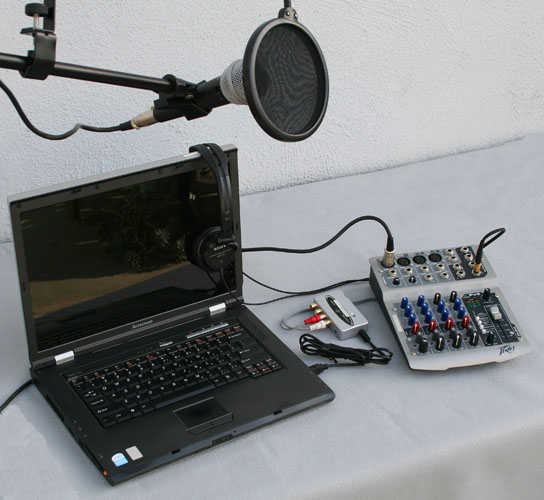
I am setting up my voice over studio for the first time and am working with the following:
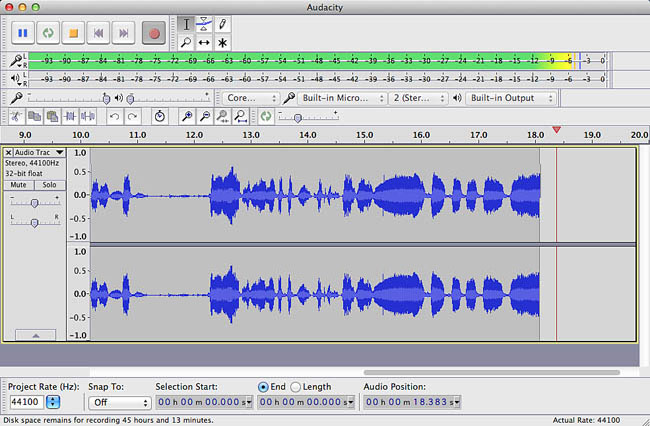
- Audacity 2.1.2
MacBook Air, OS X El Capitan Version 10.11.2
VO-1 Harlan Hogan Microphone
Aphex Voice Master Channel 230 (pre-amplifier)
Focusrite Scarlett 2i2 audio interface
AKG k240 headphones
Presonus 4.5"; 2-way Monitors
I have everything I need and it should work!
Before I got the Aphex Voice Master Channel 230 pre-amplifier, I had the microphone connected through the audio interface into my laptop and my noise floor was too high (-45 db). I want to get it down to -60db, so I was told that the Aphex Voice Master Channel 230 pre-amplifier will really clean up that noise floor and do lots of other things for which I watched a YouTube video and it made sense. I was able to find a used one, so it wasn’t as expensive as new.
So then, my microphone was connected to the Aphex Voice Master Channel 230 pre-amp and an XLR cable connected the pre-amp to the audio interface into my laptop. My noise floor was even higher (-25db), so the next step was to cut out the interface and connect directly from the pre-amp to my computer via an optical cable to cut out the supposedly dirty USB connection.
With optical cable in the chain now, I have my mic going into the pre-amp and the pre-amp connected to my laptop via the 1/8 inch headphone jack, but now the mic is not being pic by Audacity… I’m so confused. This should be straightforward. The pre-amplifier picks up my taps on the microphone, but it doesn’t translate into the software. All I can get on Audacity is my built-in mic from the laptop. No matter what I do, I am not getting the signal from my connected VO-1 mic to come into my software. It’s as if the signal stops with the pre-amp…how do I get Audacity or my mac to read this mic and equipment? I’m extremely frustrated, so any help would be great!
Thanks!