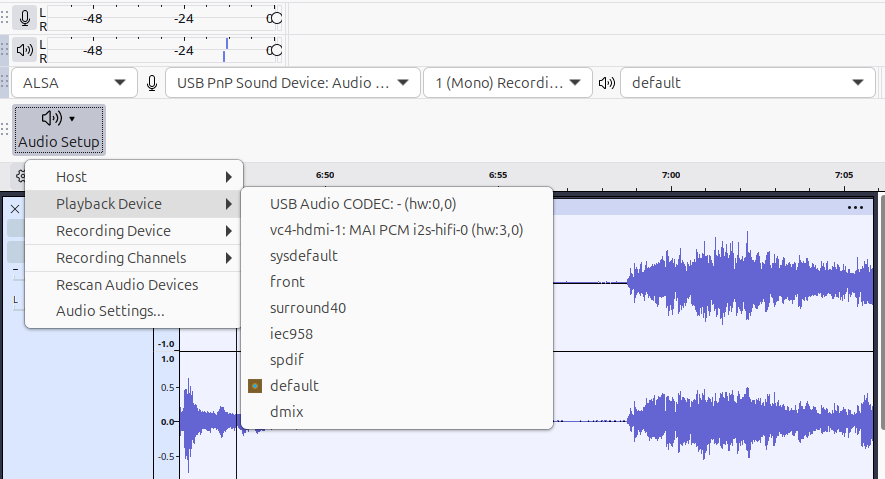
OK, being lazy I will just copy and paste my question to Copilot AI along with its answer.
tl;dr - Audacity only exposes its audio “nodes” when it needs them, not on app start.
In Linux pipewire, Audacity does not appear in qpwgraph until I actually start recording.
Audacity only appears in qpwgraph once recording starts because it doesn’t create a PipeWire node until it actively uses the audio input. This is expected behavior due to how Audacity interacts with PipeWire via PortAudio.
Here’s a deeper look into what’s happening:
 Why Audacity Is Invisible in qpwgraph Until Recording
- Audacity uses PortAudio, which dynamically opens audio streams only when needed. Until you hit “Record,” it doesn’t request an input stream, so PipeWire doesn’t create a node for it.
- qpwgraph visualizes active PipeWire nodes, not all potential clients. If Audacity hasn’t initiated a stream, it won’t show up.
- This behavior is common with apps that lazily initialize audio—they only appear in the graph when they actively engage with the audio system.
 Workarounds and Observations
- Start playback or recording: Once Audacity begins using audio, it will appear in qpwgraph and you can route or monitor it.
- Use dummy input/output: Some users create virtual devices or loopback nodes to keep Audacity visible persistently, but this requires manual setup via
pw-loopbackorpactl. - Monitor devices missing? If you’re trying to record system output (e.g., “Monitor of Built-in Audio”), PipeWire may not expose those until a stream is active. This has been noted in recent Audacity versions.
- Flatpak quirks: If you’re using Audacity or qpwgraph as a Flatpak, sandboxing may delay or restrict device visibility.
 Related Notes from the Community
- Some users on Linux Mint and Kubuntu report that Audacity 3.4.2 works with PipeWire, but only shows up during overdub or active recording.
- Others trying to use JACK with PipeWire (via pipewire-jack) find similar behavior—no node until the app starts streaming audio.
If you’re trying to pre-route audio before recording starts (e.g., for monitoring or effects), you might consider using a more PipeWire-native DAW like Ardour or Reaper, which expose their nodes immediately upon launch.