Hello, I have searched on the web and in these forums, but I haven’t found a solution to my problem.
I am creating a project with my voice talking and sound effects. I want to record the vocals separately and put the individual clips into the mixing project, so I’m recording my voice with otherwise silence. I’m on a Mac, 13.5.1 (22G90), Apple M2 chip.
The recording will randomly stop while I am in the middle of speaking.
Sound activated recording is not enabled. I have a Sennheiser mic plugged directly into the computer. Project sample rate is 4800 Hz and buffer length is 100 ms. I’m recording in mono. Record on a new track is checked. I updated to the latest version of Audacity before I started trying to record. I’ve closed and re-opened Audacity, and I have one Word document and four Chrome tabs open. No other program is running.
I can’t figure out what other troubleshooting I should be doing? Thanks in advance for any suggestions.
Audacity will stop dead recording if it loses the bitstream from the microphone or microphone system. Do you get an error message when it quits?
Save all your work. Close everything and restart the Mac. The first thing you can do for troubleshooting is make sure there’s nothing else running on the machine.
That’s probably not the best idea. Some of the Audacity versions have not been the most stable. Do you still have the older Audacity installer? I like 3.6.2 on my Mac.
Audacity does not like seeing or using outside drives or systems while it’s running. It likes doing all its jobs on the internal drive.
If it’s a laptop, disconnect the microphone and tell Audacity to use the laptop internal microphone.
Sorry about the slow response. Post back what you did and how it goes.
Thanks for your messages. I did restart the Mac. The mic that I wanted to use is higher quality than my laptop mic, so it’s frustrating that this is something that stymies Audacity. I ended up solving my solution by pinging a family member who works in sound and taking their suggestion to use Ableton instead, which got me through what I needed to do without any hiccups
This isn’t a recommendation that you use the laptop microphone for everything, This is just data gathering to try and figure out what’s going on. You never said if the laptop microphone worked. Did it?
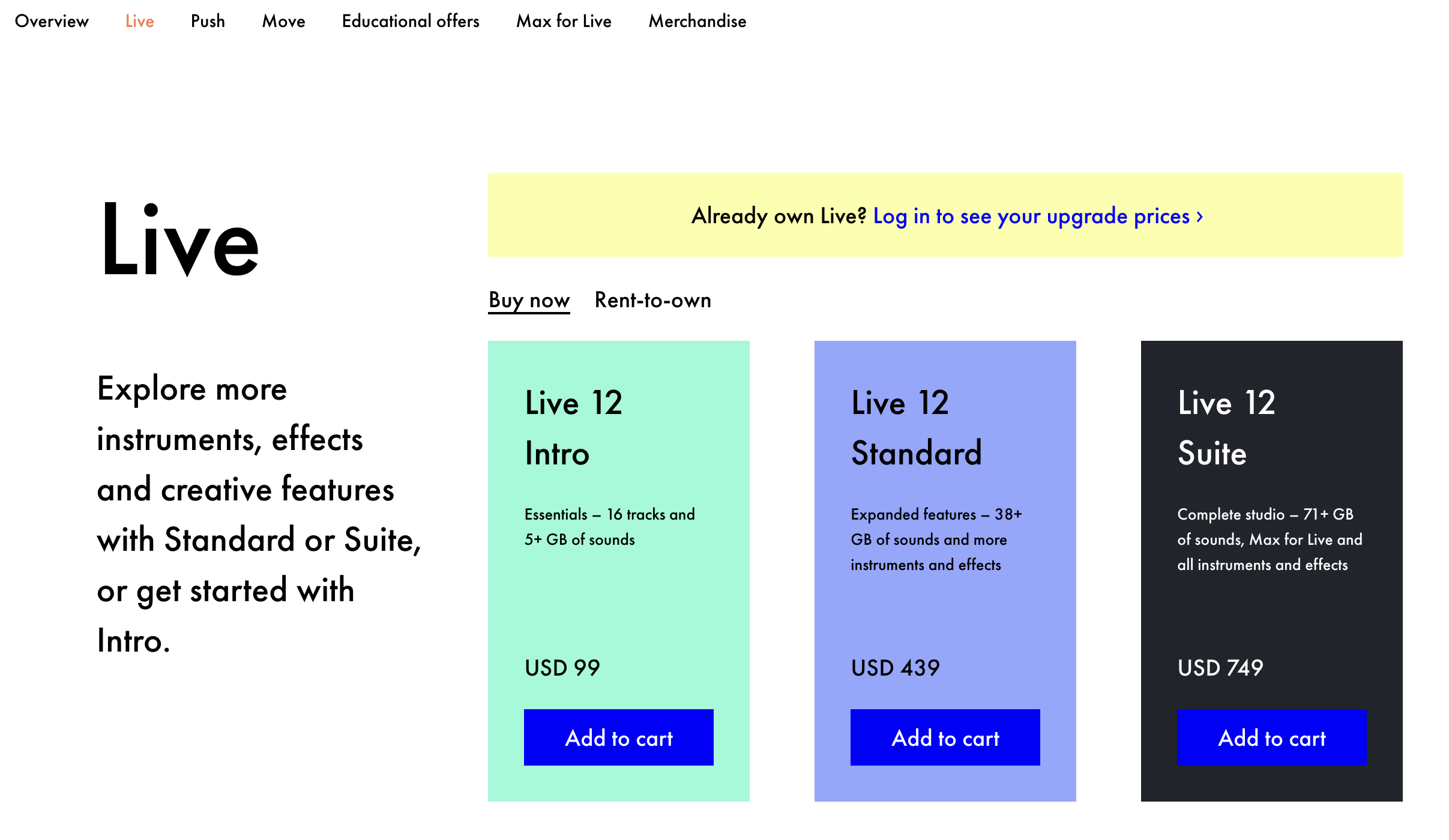
Any downsides to Ableton? Is it Pay To Play? That’s usually why Audacity walks away with a lot of jobs. Its price is right. If you do this again, you might try the Ocenaudio application.
No, but they let me download and use a trial, which allowed me to finish my project and move on. I don’t necessarily have a ton of time or inclination to mess around on something technical that can’t be solved in a day.