Hi
The file i created on audacity wont open. Saying ’ failing to in C’
I tried the fix on the Audacity site but it gets stuck at part 9. Saying to open as shown by screenshot. Please help. Thos file was a lot of work
Thanks
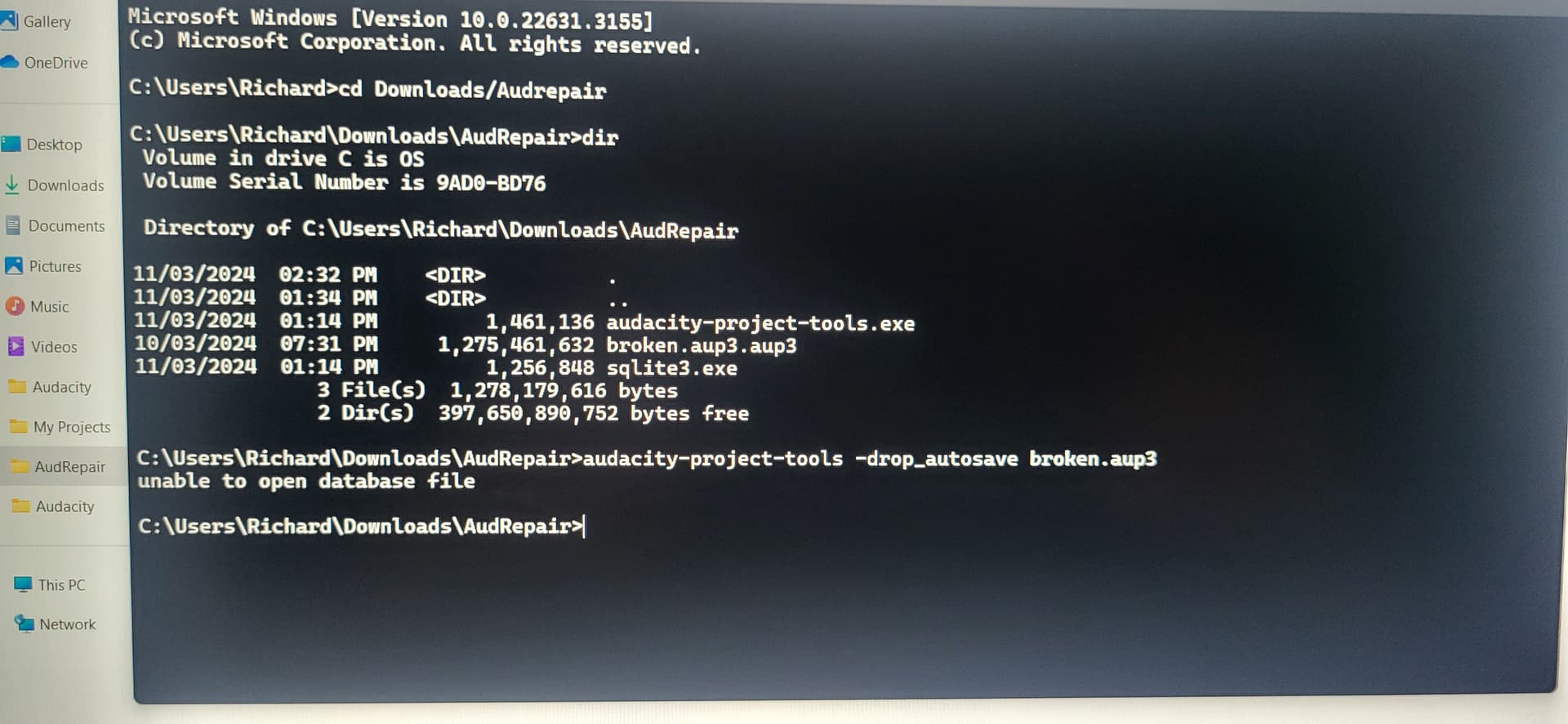
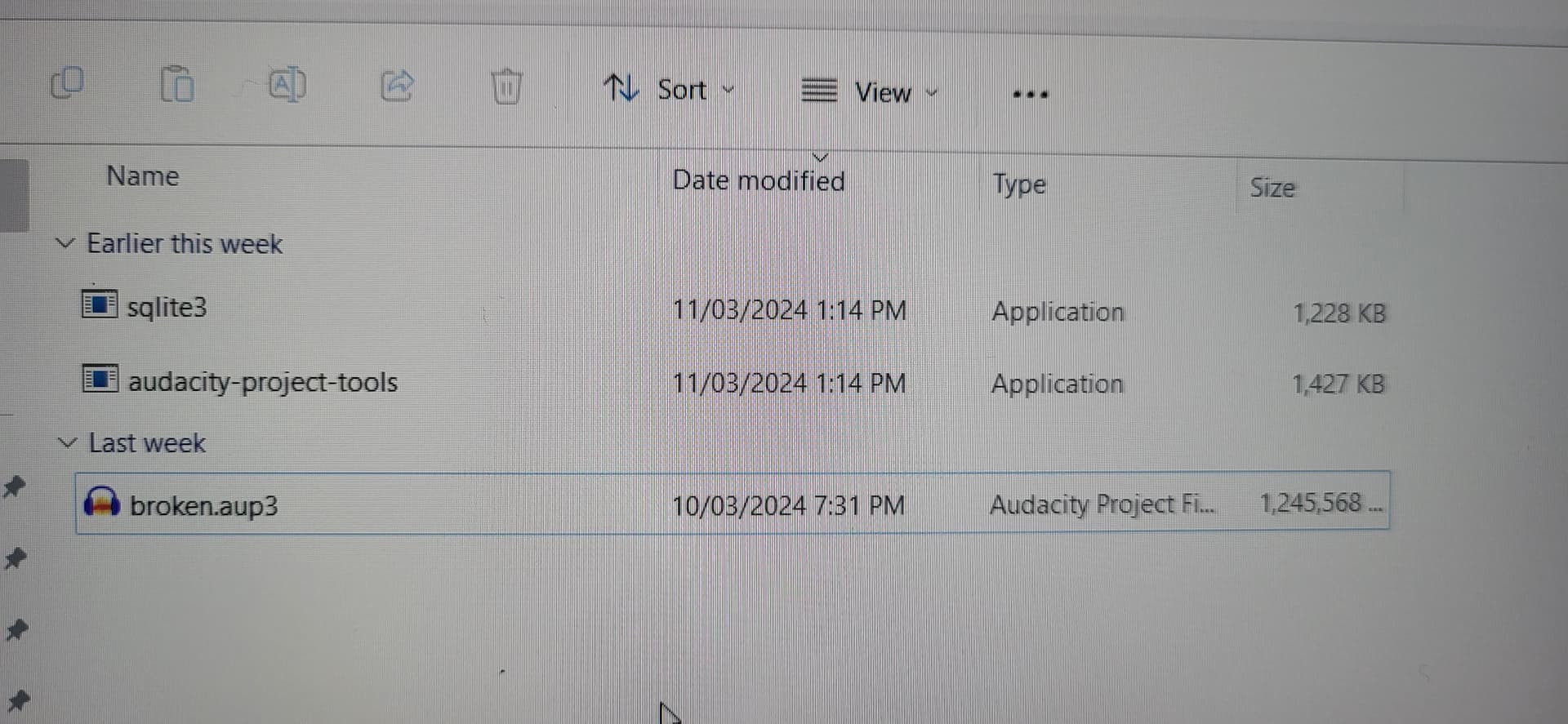
Yes. You have named your file “broken.aup3.aup3”. The file “broken.aup3” does not exist and results in the unable to open (database) file message.
Nice topic
but see:
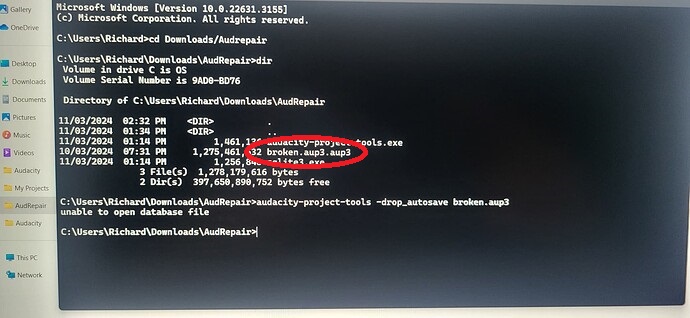
Windows is hiding your file extensions. For more clarity, see: https://www.autodesk.com/support/technical/article/caas/sfdcarticles/sfdcarticles/How-to-enable-hidden-file-extensions-in-Windows.html
Ok. But now i’ve ran the program and the ‘fix’ ran and it created a ‘repared’ file butp that file still wont open in C. Is there some other fix i can try?
No. The recovery procedure has a good success ratio - perhaps as high as 80% or more. But sometimes if fails altogether. A a rule of thumb, it is better to not use networked drives for Audacity projects. What message are you getting ?
Failing to open in C
I ran the repair again and this time it worked. Thanks for your help
This topic was automatically closed after 30 days. New replies are no longer allowed.