Hello everyone,
I have the following problem…
I have been using Audacity for several years, but not the current version, rather an older one. Now I have a new PC and have installed the current version of Audacity 3.7.7. So far, everything is fine.
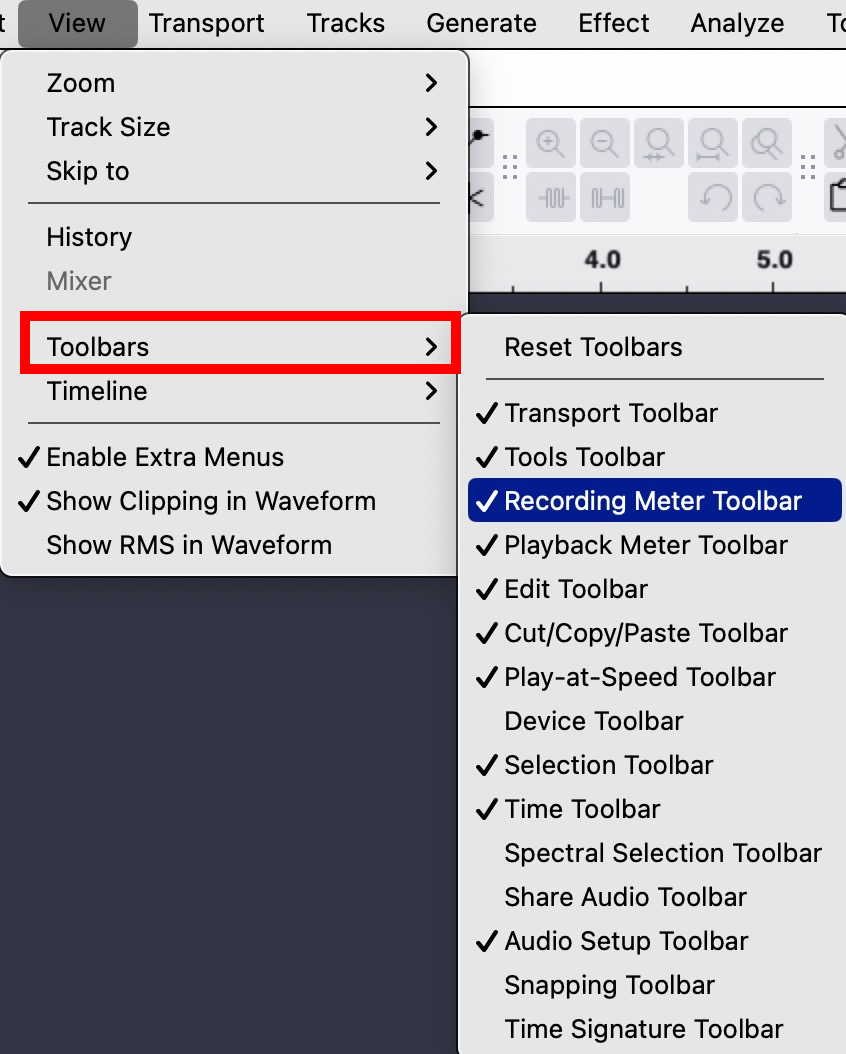
My problem is that when I record from the sound card (e.g. YouTube), I can no longer adjust the recording volume level. Previously, I could simply adjust the recording volume using the volume up/down buttons on the keyboard. Unfortunately, this no longer works. I have already read countless videos and threads and am unfortunately still stuck…
It doesn’t make sense to record in poorer quality (lower volume) and then improve the recording afterwards using effects (normalize or amplify), does it?
What setting am I overlooking?
Thank you in advance for your feedback.
Best regards,
Jay