I have 3 audio files on disk, 3 projects that I want to combine into one big project. Using Google AI, I tried the 4-5 methods over 2 hours to achieve this. Nothing worked and AI suggested I get another audio program (Reaper) and do the work there! I got around it by screen printing the waveforms, noting where each track started, then just dragged them into combined (new) project approximatically where they should be. It’s so easy to append files in other programs, but Audacity makes it difficult.
You can have multiple copies of Audacity open and copy/paste tracks from one to another. You can paste them wherever you want, then use the Align Tracks End To End menu item to line them all up.
the problem is that the each file has tracks that don’t start at same time…they are all over the place, overlapping. when I do align tracks, they all go to zero screwing up my timings.
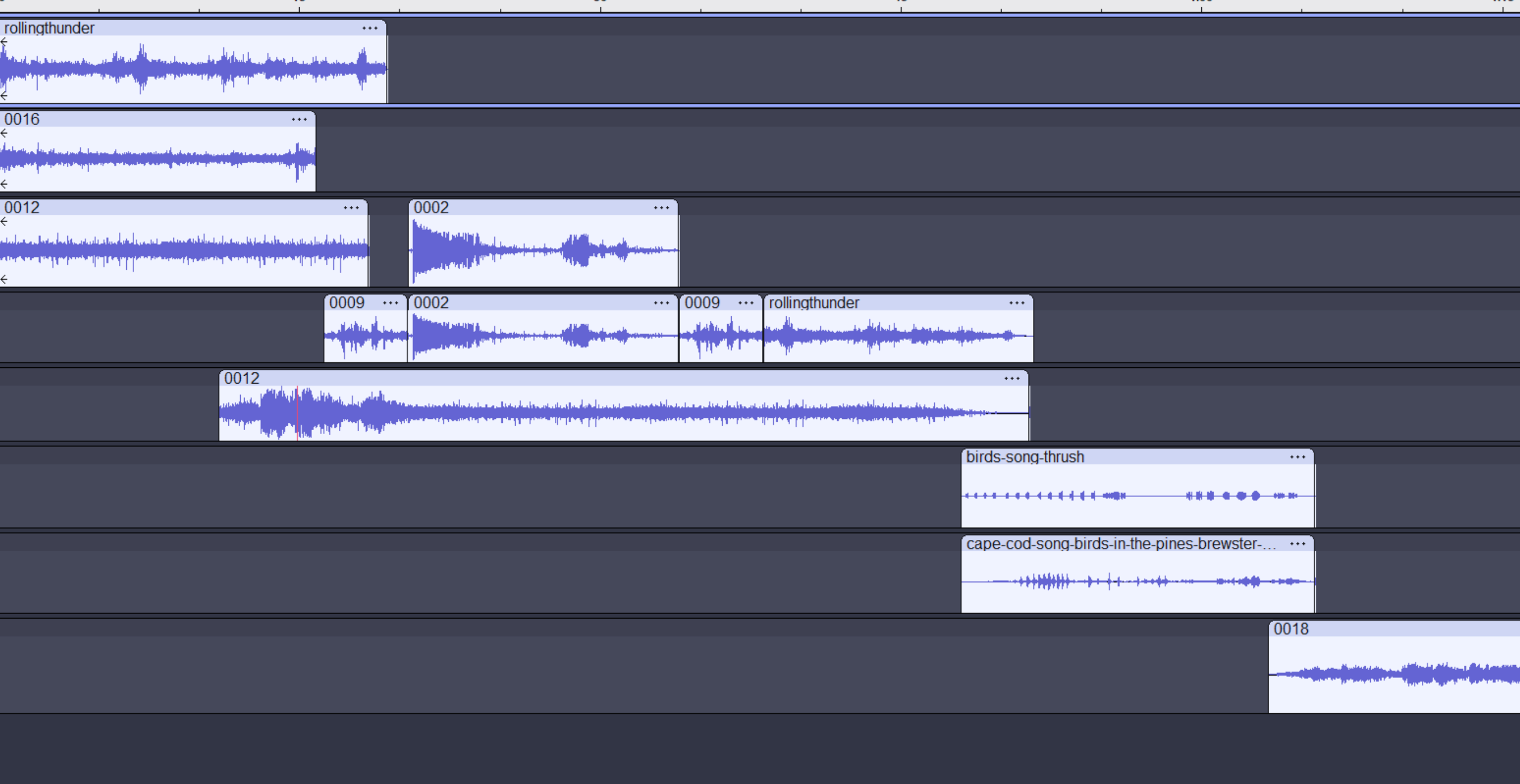
OK, so you managed to get them (about) where you wanted. When a clip is copied and pasted into a new project it does not retain its “start time”. Audacity pastes it at the cursor position, or at time zero in a new track if no track is selected.
Rather than doing a screenshot of the projects, you could try this.
In a “non-master” project, select all the tracks. Note (write down) the start time as shown in the Time Toolbar. Copy the clips.
Switch to the master project. Click in the track where you want to paste the top clip from the non-master project. Use the Time Toolbar to set the cursor to the time noted above. Paste the clips. They will be pasted starting at the cursor, and they will retain their relative alignment.
Repeat for the rest of the clips.
Yes, for your workflow this is less than ideal, but it should be possible to get the tracks exactly where you want.