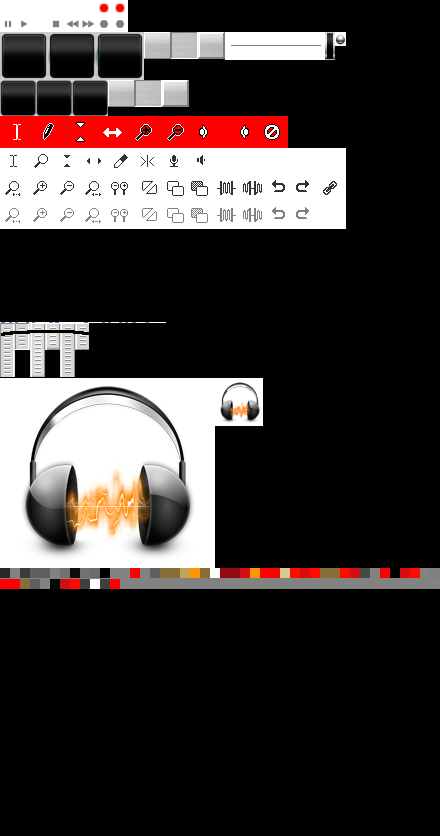
I like the simplicity of Hellstudio themes, so I updated it to work on OSX.
Tested with 1.3.12 version
INSTALLATION for OSX version
- Download new “imageCache.png” attached file
- Copy “ImageCache.png” to “/Users/<your_user_name>/Library/Application Support/audacity/Theme”
(make folder Theme first, if it wasn’t there before) - Open file “audacity.cfg” in folder “/Users/<your_user_name>/Library/Application Support/audacity/”
with TextEdit or any other text editor and add new section:
[Theme]
LoadAtStart=1
You can also change the icon of application:
- Click with right button on application, choose “Show Package Content”
- Go to “Contents/Resources”
- Rename “Audacity.icns” to whatever like “Audacity original.icns”
- Place new “Audacity.icns” in that folder
gray icns.zip (292 KB)