I think I dont need to download anything from Source Forge or Nyquest ? When go from C/users/Doug I dont see a folder named App/Data.
success…i got it…i m still getting too much background noise but this will help...should I adjust the settings and experiment ? there may be something to the internal mic thing..the documentation on the computer does not have it.there are 2 very small openings near the web cam which btw Ive been able to get working… there is a new issue…i believe I did use to record…now and then from the computer mic which I cannot find…the driver for it real tech has disappeared…surely something i did to try and get this to work…I cannot get it back…any suggestions? Thanks for getting this for me. I used to use some kind of homegrown auto-tune deal here which although didn`t do much with my singing voice anything would be an improvement.
The Nyquist interpreter is built-in to Audacity. The only thing you need to add are the plug-in files, (which end in “.ny”).
“AppData” is a hidden Windows folder, to make hidden folders appear see …
https://www.howtogeek.com/howto/windows-vista/show-hidden-files-and-folders-in-windows
The Mosquito & De-hum plugins don’t reduce hiss-type noise. You need noise reduction for that.
There are free auto-tune type plugins which work in Audacity, (on Windows), e.g. …
https://www.auburnsounds.com/products/Graillon.html
Thanks…this has really helped alot…my last question is how much is normal for the record indicator light to be flickering?
right now if im recording with no input or if im just monitoring the recording level on a blank audacity project it moves up to as far as 1/2 or 45 to 42
Yes, that’s registering the noise floor …
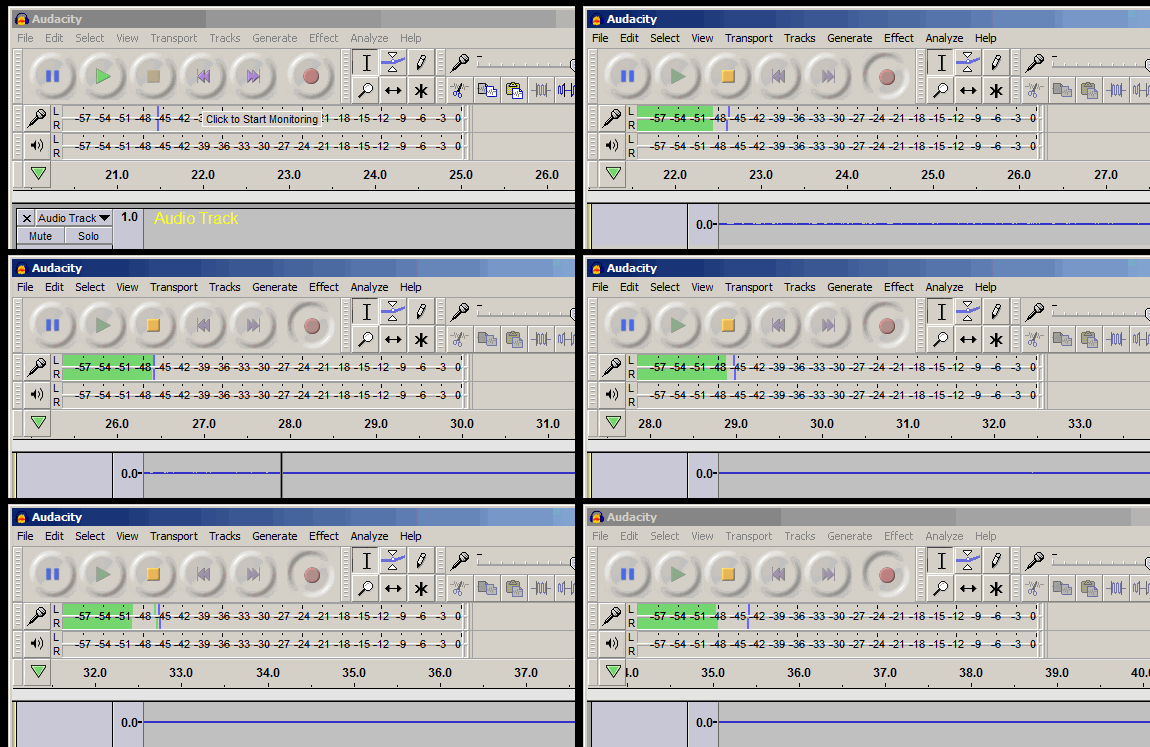
-42dB of noise is a bit loud for recording music, (but an acceptable level for a phone-call).
The professional standard is -70dB, but you’d need a professional sound-card for your computer to achieve that low noise level.
Unfortunately, I am recording music which explains why Ive had problems in the past with background noise especially when exporting to mp3 or wav..this is a 5 year old lap top which other than this I havent had any problems with…I will eventually buy a new desk top computer…do you know the minimum specifications for the sound card or anything else I might need to record music ?
New computer not necessary : there are sound-cards & mixers which plug into the USB socket on the computer.
The sound-card built into laptops is adequate for phone-calls : it’s not designed for professional recording …
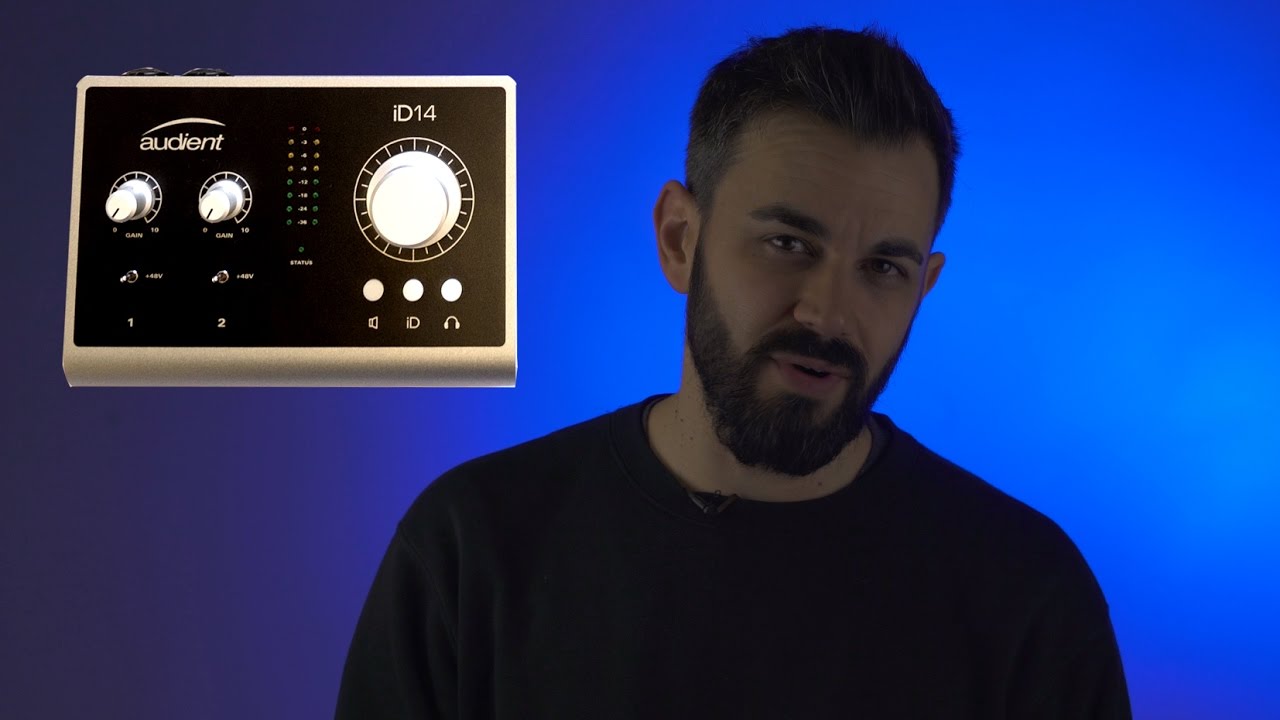
this is a lap top…sounds like it is unrealistic to record music on it…I was planning on buying a custom built desktop anyway…is there anything i need to ask for when I order it? there is a good computer shop near me that will custom build one for me…I am a professional musician and it is my primary reason to do this
Adding a ProSumer audio-interface to a standard computer seems the way to go,
see … https://www.youtube.com/results?search_query=prosumer+audio+interface
thanks…i appreciate the help…if theres anything else ill start a new thread…thanks again
The other option for home music-recording would be a stand-alone recording device. Battery powered, so no mains-hum.