Thanks for the comments. I initially tried 0 dB in these AIFF lossless files. That seemed to work fine. But when converting to MP3 and reimporting them into Audacity to view them, some files displayed quite a bit of overload / clipping (those red vertical lines in the waveform) that were not in the AIFF. I thought I read somewhere that getting clipping in MP3 when the original did not have clipping is not uncommon. I have tried -2 dB and am now just trying -5 dB.
I was guessing -5 dB might be a good compromise as I am not going to be able to normalize all of my songs, so this will place these in the middle. Plus, hearing the difference of 3 dB or so is fairly obvious when played side-by-side, but not so in a noisy car. Still experimenting thought.
I appreciate the comment that I need a save command. I will be importing these into Apple Music. I think it cannot handle WAV. There is not a specific save for AIFF, but if I select ‘Export Audio’ it seems to do so back into AIFF. So I will try that command.
During the rapid running of this Macro, I never saw the display change, so it looked to me that Normalize did not occur.
“I assume you already know that regular (peak) normalization doesn’t match “loudness”.”
Yes, and no. I realize there are things like compression that makes a file sound louder by raising the overall sound level without necessarily affecting the peaks. But I don’t want to lose the dynamic range. There is also Amplify and Loudness Normalization. I am still studying and trying to understand the advantages / disadvantages of each. Loudness Normalization seems to introduce a compression to the music which I would like to avoid. Might work great for speech, but not desirable for music (radio stations take note!).
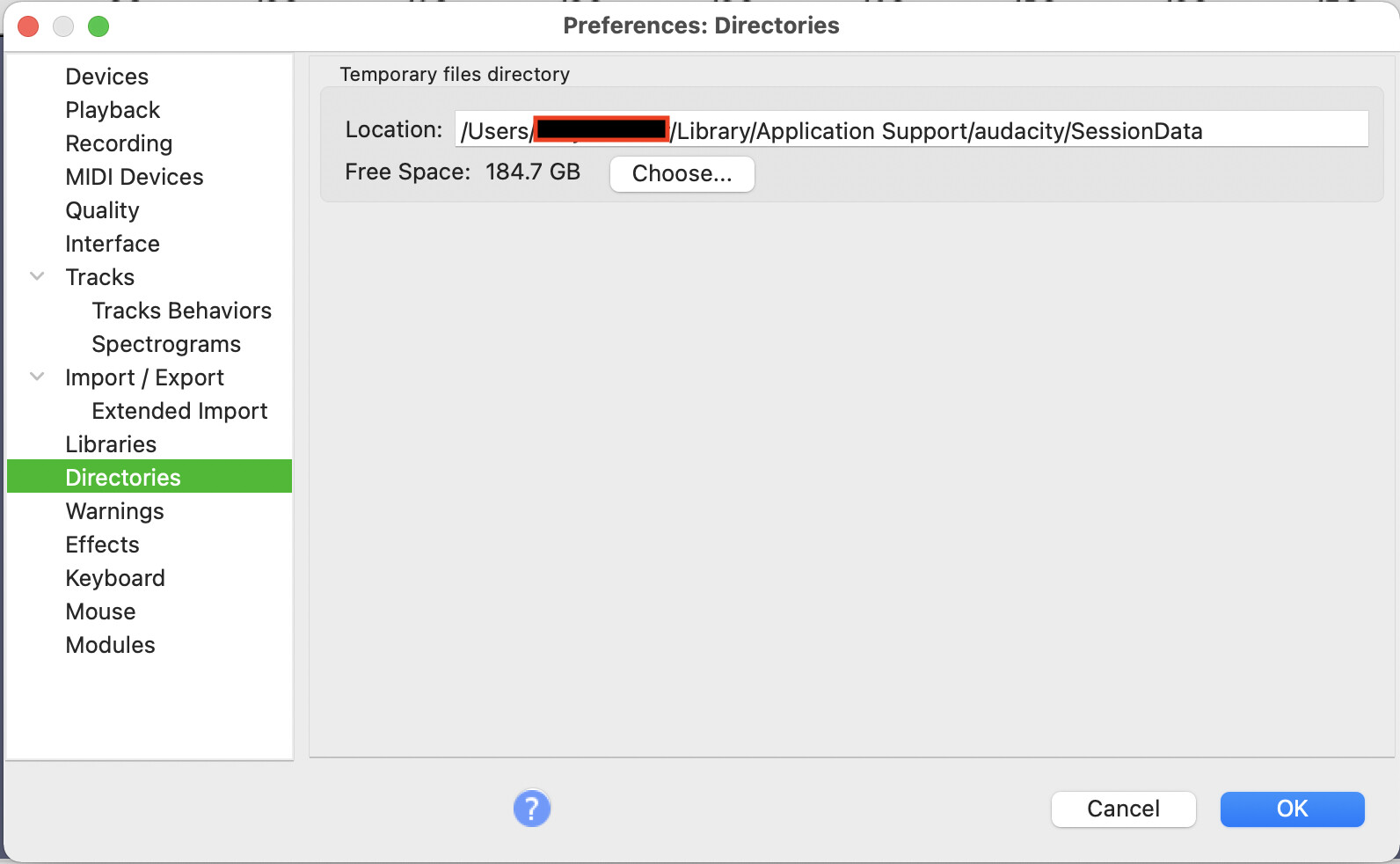
“The WAV file will then be exported to a “macro output” folder according to your Preference settings (see: https://manual.audacityteam.org/man/dir … ences.html)”
I don’t see that option in the Mac version.