Audacity has a graphic equalizer, (in “Effect” menu) …
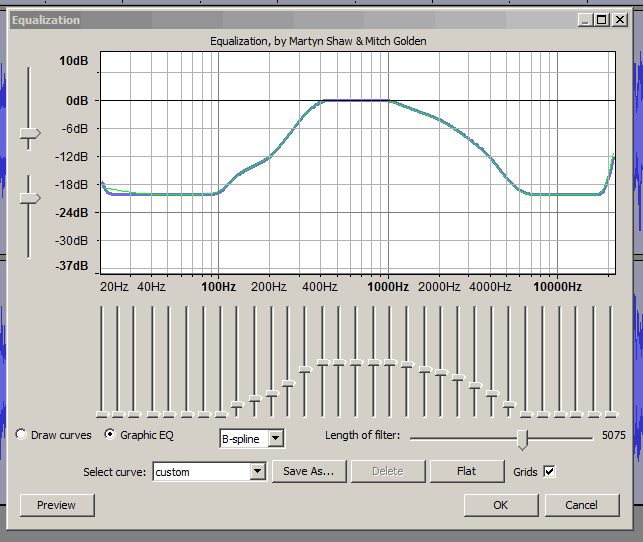
graphic equalizer’s are an intricate tone control allowing you to increase or decrease parts (bands) of the sound spectrum … http://en.wikipedia.org/wiki/Graphic_equalizer#Graphic_equalizer
There are presets on Audacity’s equalizer, e.g. “AM radio” (shown above). Are preset equalization curves what you mean by “Automatic” ? .
The drawback with Audacity’s graphic equalizer is that adjustments cannot be made in real-time:
You have to preview an equalizer setting, then make an adjustment, then preview, then make an adjustment, repeatedly ,
i.e. you cannot adjust the settings while the track is playing .… http://wiki.audacityteam.org/wiki/Proposal_Real_Time_Adjustment