none
October 19, 2026, 4:36pm
1
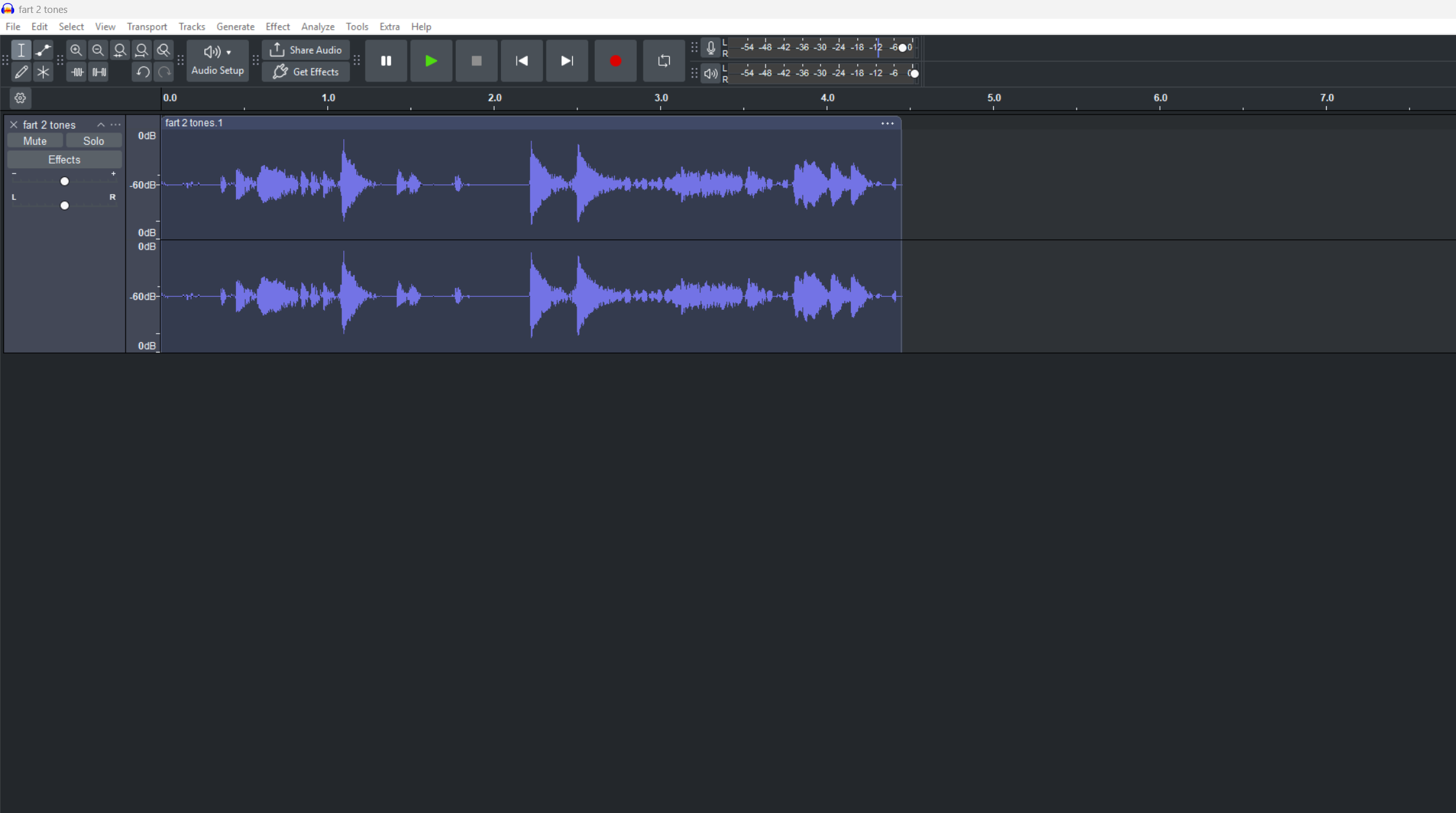
Only logarithmic scale give me a clear view on the waveform.
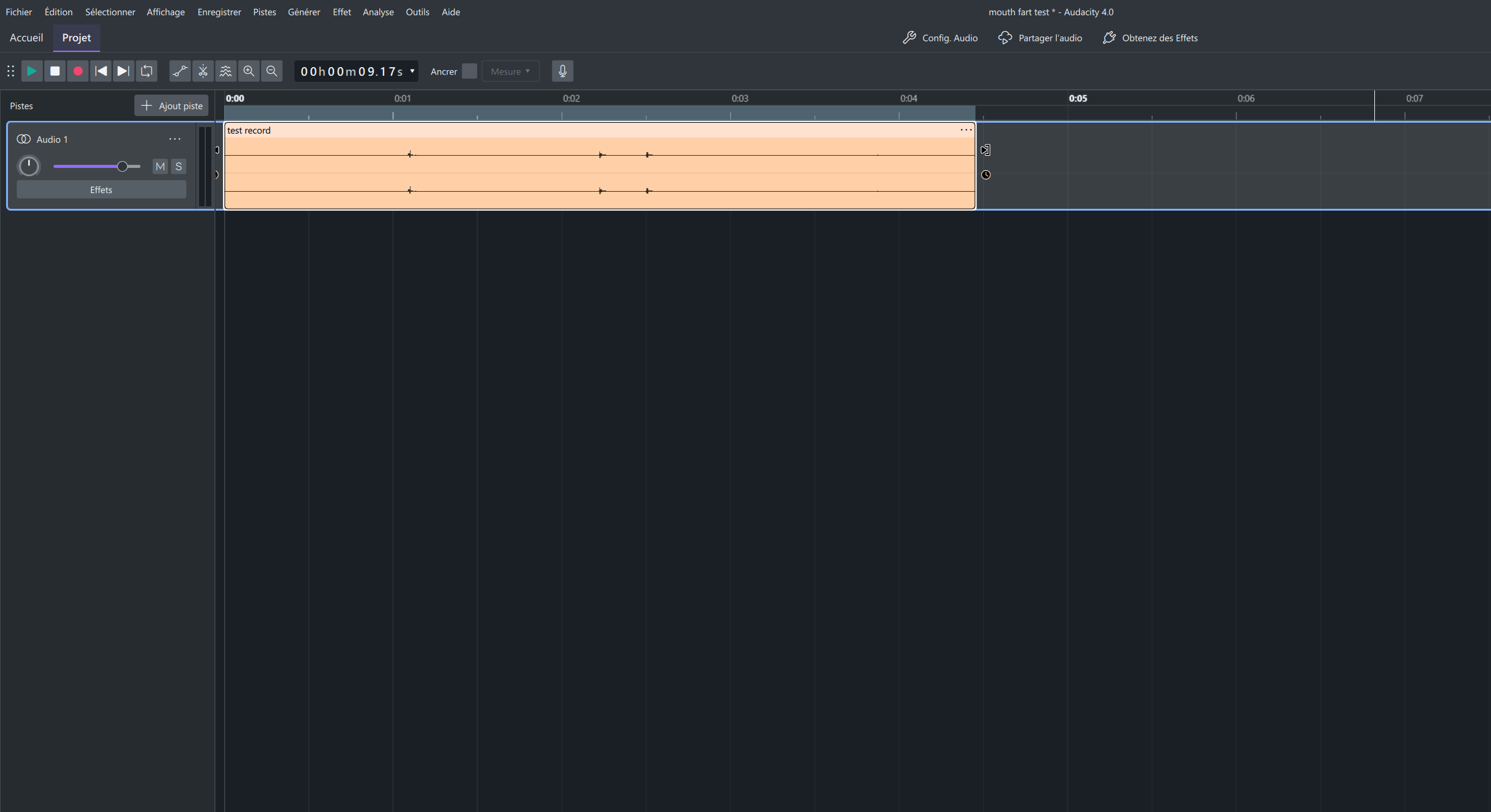
And the same file in Audacity 4
I can’t find this logarithmic scale option anymore. Where it is now ?
Click on the (…) menu in the Track Control Panel
1 Like
I use the Linear (amp) scale all the time because it is best for the material I am editing.
none
October 19, 2026, 9:38pm
4
Thanks, the ruler
I too use the logarithmic scale all the time because it is best for my editing. We are the same ! But linear by default ! Sad me. Hoping for a permanent parameter.
billw58
October 19, 2026, 10:17pm
5
Me too. AU3 has preferences for default track views. I hope they come back.
opened 09:26AM - 24 Aug 26 UTC
Task
### Description
Preference for the default track ruler format
opened 02:47AM - 05 Sep 26 UTC
Enhancement Request
### Problem to be solved
In Audacity 3, I always have my track scales set to Lo… garithmic (db). Audacity 4 creates every new track set to Linear (amp), and the old preference is missing (see Prior Art below).
### Your idea
Add a setting in Preferences or add a checkbox in the right-click affordance to lock in the preference.
### Prior art
In Audacity 3, it was set in Preferences: Tracks, under Default Waveform Scale.
### Additional context
_No response_