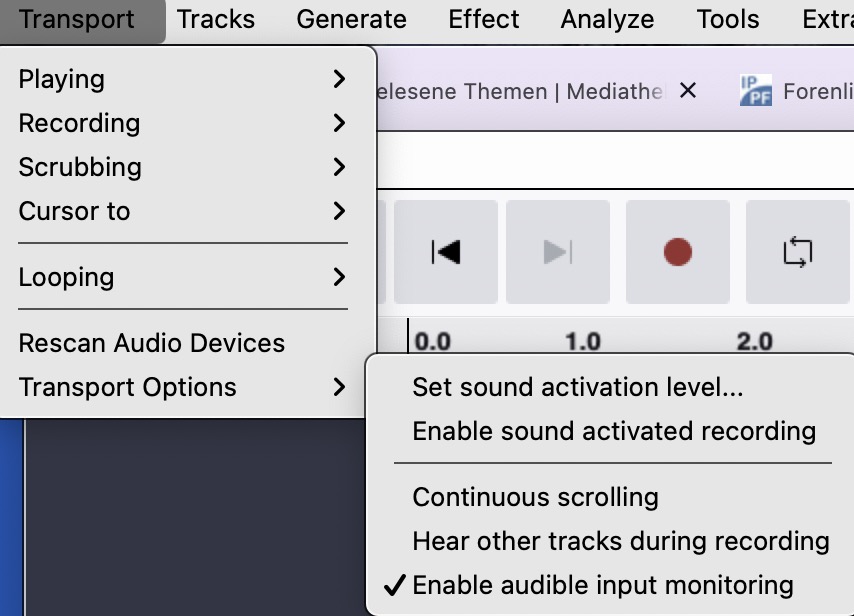
Hi there!
I’m working on updating my recording setup in my vocal booth.
I recently upgraded to an sE2200 xlr mic which I have connected to my new Scarlett Solo 4th gen interface. I have the interface connected USB-C to USB-C to my 2016 Macbook Pro (4-ports) running Monterey 12.7.6 OS.
On the interface side, the xlr port is Channel 2 (not 1). I have the 48hz ghost power enabled as well as analogue channels 1 and 2 combined (since I don’t have anything plugged into the instrument input slot). Also, it’s updated with the latest firmware.
On the computer side, I’m running Audacity 3.7.9 (laptop is too old to support Audacity 4). I have the microphone permissions allowed for Audacity in the system settings. I have both input and output set to the Scarlet Solo; both in system settings and Audacity. I have the sample rate set to 48kHz and the sample format set to 32-bit float.
On the audio interface, the green led ring is lighting up and giving levels when I speak into the mic. In the macbook’s system settings when set to the Scarlett Solo is receiving audio input in the level preview. I know the computer itself is receiving audio data, but for one reason or another Audacity isn’t.
I’ve tried both having the recording format set to Mono as well as stereo to attempt the channel 2 output workaround. As stated above, I also have the setting toggled on in the Scarlett Solo to combine both channels into one output.
I could be wrong, but I don’t think my computer’s age is the issue because it’s receiving input from the mic/audio interface in the system settings.
Any and all help would be greatly appreciated!